Introduction: The Enduring Relevance of SharePoint On-Premises
In a technology landscape dominated by the "cloud-first" mantra, it's easy to assume that on-premises solutions are relics of a bygone era. Microsoft itself heavily promotes SharePoint Online as the default, modern solution for collaboration and content management, integrated seamlessly into the Microsoft 365 ecosystem. For many organizations, this is absolutely the correct path, offering scalability, reduced maintenance overhead, and predictable operational expenditure.
However, the narrative of automatic cloud superiority is an oversimplification. The decision to move a critical infrastructure component like SharePoint to the cloud is not just a technical choice; it's a major business decision with long-term implications for security, finance, and operations. SharePoint Server, the self-hosted version of the platform, continues to be a strategic and sometimes non-negotiable choice for a significant segment of businesses and public sector organizations worldwide.
This article moves beyond the marketing hype to provide a clear-eyed analysis of the scenarios where SharePoint Server doesn't just compete with its cloud counterpart but decisively wins. We will delve into the critical factors of control, customization, cost, and compliance that drive organizations to purposefully maintain and invest in their on-premises SharePoint farms. For IT leaders, this isn't about resisting modernization; it's about making the right strategic choice for their specific, and sometimes unique, business requirements.
🔐 Unmatched Control and Data Sovereignty
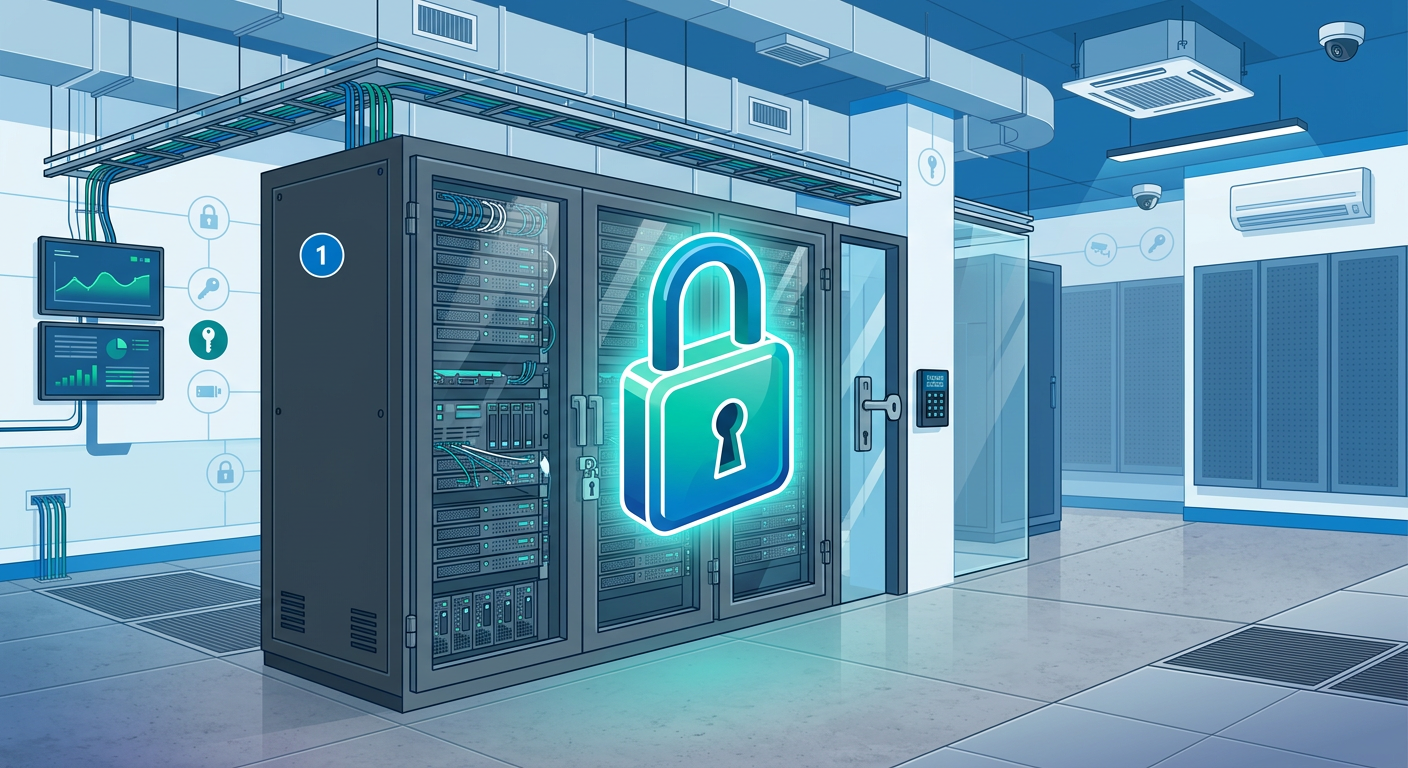
The single most compelling reason to choose SharePoint Server is absolute control. With an on-premises deployment, your organization owns the entire stack, from the physical hardware and networking layer up to the application itself. This level of control is not a matter of preference but a hard requirement for many.
Data Sovereignty and Residency
Data sovereignty is the principle that data is subject to the laws and legal jurisdiction of the country in which it is located. For government agencies, defense contractors, and multinational corporations operating in regions with strict data privacy laws (like the EU's GDPR, Germany's BDSG, or healthcare data under HIPAA in the US), knowing the precise physical location of your data is non-negotiable.
- Physical Location: With SharePoint Server, you can point to the exact server rack in the exact data center where your information resides. With SharePoint Online, while Microsoft offers regional data centers, the data may still be subject to laws from Microsoft's home jurisdiction, such as the U.S. CLOUD Act.
- Legal Jurisdiction: For legal eDiscovery or government inquiries, the process is handled within your own legal framework and physical control. You are not dependent on a third-party provider's legal team or processes.
This is not just about security paranoia. For a European bank, for example, storing sensitive customer financial data in a US-controlled cloud environment could constitute a major compliance breach, regardless of the security measures in place. The physical location is the defining factor.
Granular Security Posture
While Microsoft invests heavily in securing its cloud, an on-premises environment allows you to tailor your security posture to your exact specifications. You are not limited by the configurations offered by the cloud vendor.
This includes:
- Network Isolation: You can run your SharePoint farm in a completely air-gapped or privately networked environment, with zero exposure to the public internet. This is a common requirement in high-security research, intelligence, and industrial control settings.
- Custom Authentication: Need to integrate with a bespoke on-premises identity provider or a smart card authentication system that isn't compatible with Azure AD? SharePoint Server provides the flexibility to configure these unique authentication providers directly.
- Direct Control Over Encryption: You manage the encryption keys, both for data at rest and in transit, using your own hardware security modules (HSMs) and internal PKI, without involving a third party.
🛠️ Deep Customization and Legacy Integration
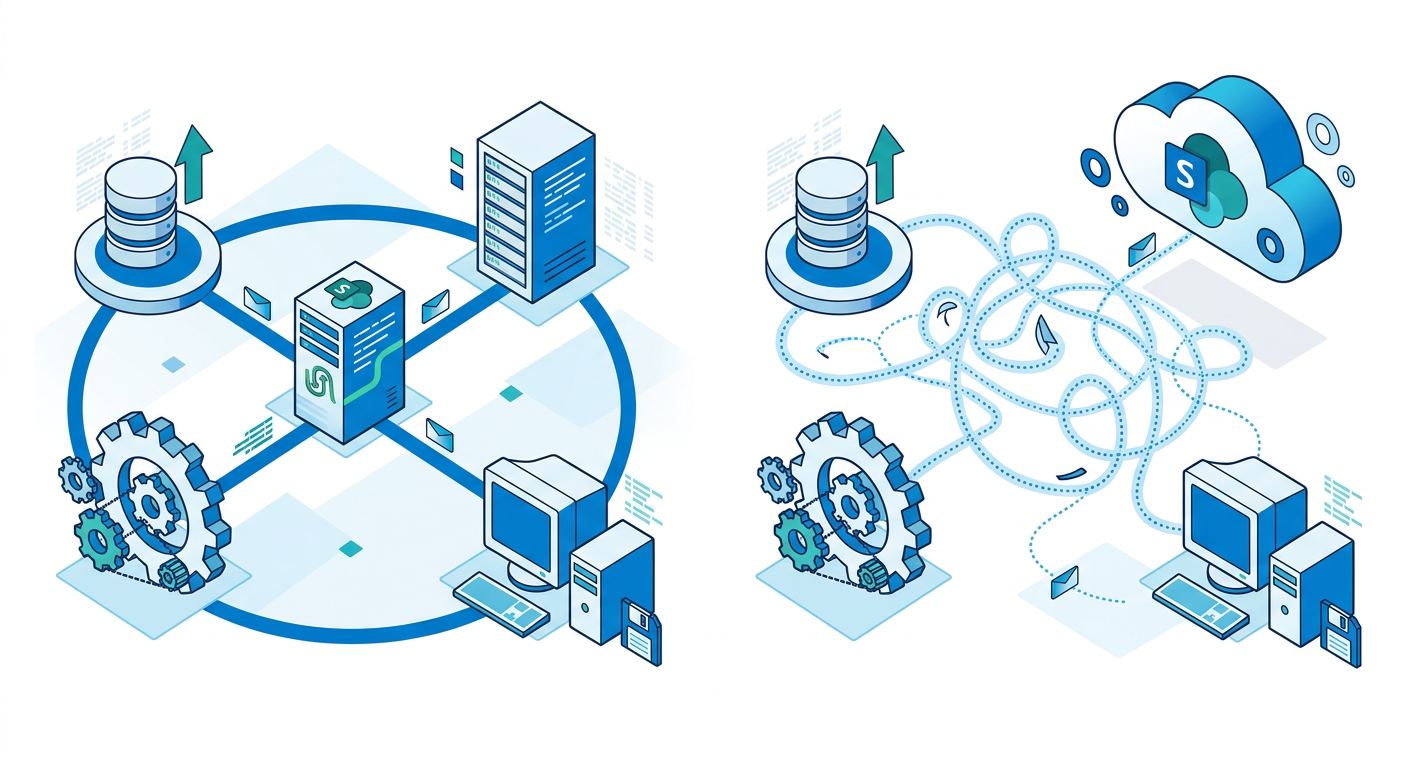
SharePoint Online offers significant customization capabilities through the SharePoint Framework (SPFx), client-side scripting, and Power Platform integration. However, it operates within a multi-tenant environment, which inherently places limits on the depth of code that can be run to ensure stability and security for all customers.
SharePoint Server, as a single-tenant, dedicated environment, breaks these boundaries. It allows for deep, server-side customizations that are simply not possible in SharePoint Online. This is a critical differentiator for organizations with highly specific business processes or a heavy reliance on existing legacy systems.
Full-Trust Farm Solutions
The most significant technical advantage for developers on SharePoint Server is the ability to deploy full-trust farm solutions. These are powerful, server-side C#/.NET code packages that have deep access to the SharePoint object model and can perform operations that are restricted in the cloud.
Examples of what farm solutions enable:
- Custom Timer Jobs: Create complex, resource-intensive background processes that run on a schedule to perform tasks like data aggregation, reporting, or synchronization with other on-prem systems.
- Advanced Branding: Go beyond changing colors and logos to deploy completely custom master pages and page layouts that fundamentally alter the SharePoint UI and structure, often required for public-facing websites built on SharePoint.
- Direct Database and System Access: Develop solutions that integrate directly with other on-premises line-of-business (LOB) systems, custom databases, or hardware devices at a level the SharePoint Online sandbox does not permit.
Seamless Legacy System Integration
Many large enterprises rely on decades-old, on-premises systems for manufacturing (MES), enterprise resource planning (ERP), or customer relationship management (CRM). These systems were not designed with cloud APIs in mind. SharePoint Server, residing on the same corporate network, can integrate with these systems far more easily and robustly.
Imagine a manufacturing company where a SharePoint Server portal is used to display real-time production data from a 20-year-old factory control system. A custom farm solution directly queries the system's SQL database and presents the data in SharePoint. Replicating this in SharePoint Online would require building a complex, potentially fragile intermediate API layer and dealing with cloud connectivity challenges. With SharePoint Server, it's a direct, low-latency connection.
📊 Total Cost of Ownership (TCO): Perception vs. Reality
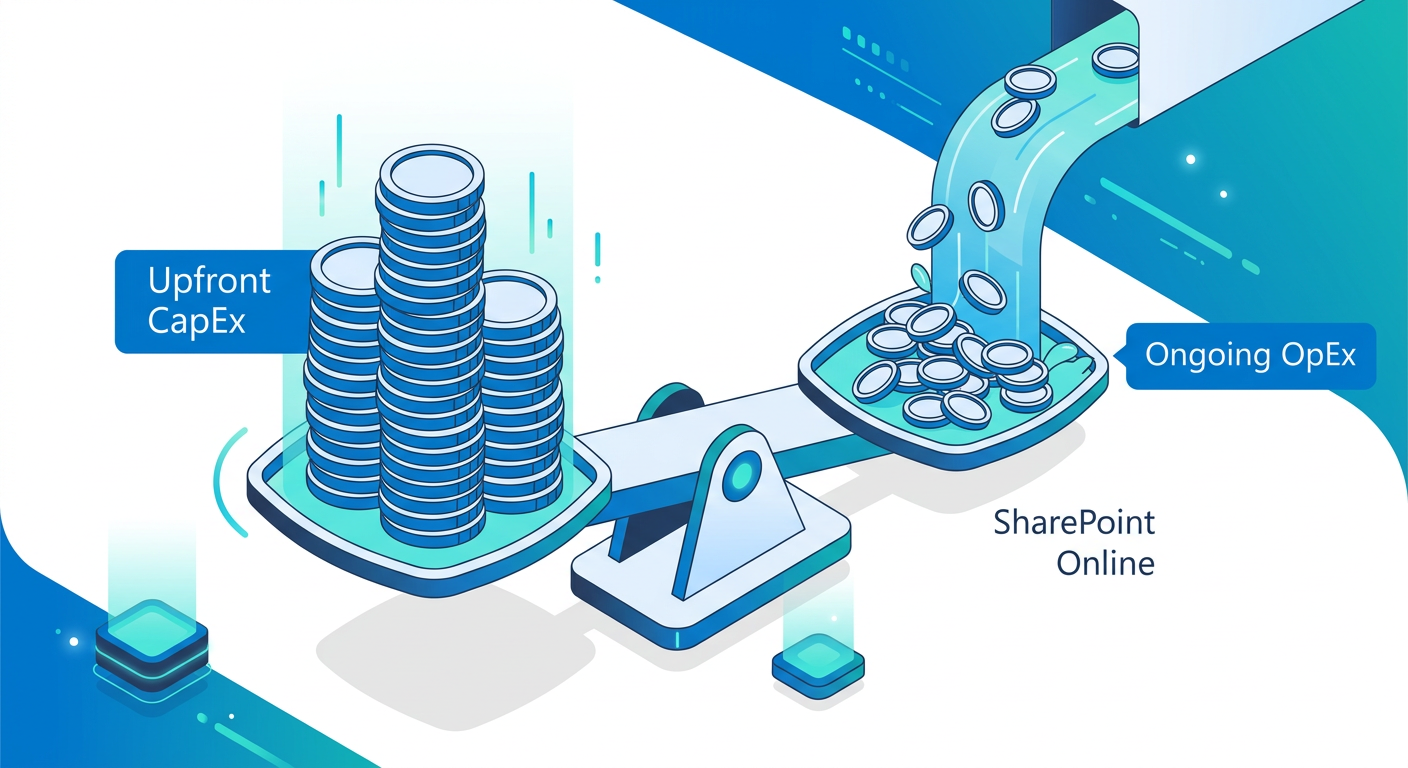
The financial argument for cloud services often centers on shifting from Capital Expenditure (CapEx) to Operational Expenditure (OpEx). Instead of a large upfront investment in hardware and software licenses, you pay a predictable monthly subscription fee. While this is attractive, it can mask the long-term Total Cost of Ownership (TCO).
For certain organizations, particularly those with a large but stable number of users, the TCO of SharePoint Server over a 5- to 10-year period can be significantly lower than a perpetual subscription to SharePoint Online.
Breaking Down the Costs
A true TCO analysis requires looking beyond the headline price. Here’s a comparative breakdown:
- SharePoint Online Costs:
- Per-user monthly subscription fees (these can scale to very high numbers).
- Premium add-ons for features like advanced compliance, security, or storage.
- Potential for price increases over the lifetime of the service.
- Cost of specialized cloud administration and development talent.
- SharePoint Server Costs:
- Upfront (CapEx): Server hardware (physical or virtual), Windows Server licenses, SQL Server licenses, SharePoint Server license, and Client Access Licenses (CALs).
- Ongoing (OpEx): Electricity, cooling, physical data center space, IT staff time for maintenance, patching, and support, and periodic hardware refreshes.
When the Math Favors On-Premises
The economic balance tips toward SharePoint Server under a few key conditions:
- Stable User Base: If your organization has a large, predictable number of employees (e.g., a university with a stable student body or a large manufacturing firm), you can license for that number once. With subscriptions, you pay for every user, every month, forever.
- Existing Infrastructure and Staff: If you already operate a large data center with a skilled IT team for other applications, the marginal cost of adding a SharePoint farm is much lower. You are leveraging existing investments in hardware and personnel.
- Long-Term Horizon: Over a 3-year period, SharePoint Online often looks cheaper. But over 7-10 years, the one-time CapEx of an on-premises deployment, amortized over that period, can result in a lower annual cost compared to ever-increasing subscription fees for thousands of users.
A CTO at a 10,000-employee engineering firm might calculate that the 7-year TCO for an on-premise farm is lower than paying a per-user monthly fee for SharePoint Online, especially since they already have the data center and IT staff to manage it. The perpetual license model offers predictability that subscriptions lack.
⚙️ Performance, Latency, and Large File Management
While global cloud networks are faster than ever, they are still bound by the laws of physics. Network latency and bandwidth limitations remain a significant factor, especially for organizations that work with very large files or require real-time system responsiveness. SharePoint Server, hosted on your Local Area Network (LAN), offers a performance profile that the public cloud cannot match.
The LAN Speed Advantage
For employees in the office, accessing a local SharePoint Server is virtually instantaneous. This is crucial in industries where productivity is measured in seconds.
- Large Files: Architectural firms, video production houses, and scientific research organizations frequently work with files that are many gigabytes in size. Uploading, downloading, and collaborating on these files over a typical internet connection can be painfully slow and inefficient. On a 10Gbps local network, these operations are orders of magnitude faster.
- Application Responsiveness: When SharePoint is used as a backend for custom applications, the low latency of the LAN ensures a snappy, responsive user experience. An application making dozens of small, rapid queries to a database on the same network will always be faster than one making the same queries to a cloud service hundreds of miles away.
Control Over Infrastructure and Service Applications
With SharePoint Server, you are the master of the farm's topology. You can provision hardware and configure service applications to optimize for your specific workloads.
This means you can:
- Dedicate Resources: If search is a business-critical function, you can build dedicated, powerful servers just for search indexing and crawling to ensure fast and fresh results. If BI is a priority, you can scale out your Excel Services or SQL Reporting Services components.
- Manage Throttling and Limits: In SharePoint Online, Microsoft imposes throttling and resource limits to protect the multi-tenant environment. You may run into limits on the number of queries, API call frequency, or file upload sizes. With SharePoint Server, you set the limits. If you need to run a massive, resource-intensive process, you have the freedom to do so.
- No "Noisy Neighbors": In a multi-tenant cloud, your performance can occasionally be affected by other customers on the same infrastructure. With on-premises, your performance is predictable and dedicated solely to your organization.
⚠️ The Migration Question: When to Stay Put
For organizations already running a mature, complex SharePoint Server environment, the decision to migrate to SharePoint Online is not a simple "lift and shift." It's a massive undertaking fraught with cost, risk, and potential disruption. In many cases, the most pragmatic and cost-effective decision is to stay on-premises and plan for a future upgrade to the next version of SharePoint Server.
The Challenge of Customization Debt
The very same deep customizations that make SharePoint Server so powerful also make it incredibly difficult to migrate. Years, or even decades, of custom development create significant "customization debt."
- Farm Solution Incompatibility: Full-trust code and farm solutions simply do not work in SharePoint Online. Every single one of these solutions must be analyzed, evaluated, and completely re-architected and re-developed using the modern SharePoint Framework (SPFx). This can be the equivalent of starting from scratch.
- User Interface and Experience: Heavily branded sites with custom master pages will break. The entire user experience may need to be redesigned to fit within the confines of the modern SharePoint Online UI.
- Business Process Dependencies: If critical business processes are tied to on-premises custom workflows or timer jobs, finding a suitable replacement in the cloud (e.g., using Power Automate) may not be straightforward and could require a complete process re-engineering.
Data Volume and Complexity
The sheer volume and complexity of data can also be a migration blocker.
- Massive Content Databases: Migrating terabytes upon terabytes of data, accumulated over many years, is a slow and expensive process. It requires significant bandwidth and specialized third-party migration tools. The process can take months, and data validation is a significant challenge.
- Complex Permissions: Environments with intricate, item-level permissions and unique security models can be extremely difficult to map correctly to the Microsoft 365 security model, risking data spillage and compliance violations.
A government agency with a 15-year old, 50TB SharePoint 2010 farm containing thousands of custom solutions and integrations faces a monumental task. The cost of analysis, redevelopment, and migration could run into millions of dollars and take several years, with significant risk to ongoing operations. In this scenario, upgrading to a newer version of SharePoint Server is a far more predictable and less risky path.
📊 Comparison
| Feature | SharePoint Server (On-Premises) | SharePoint Online (Microsoft 365) |
|---|---|---|
| Cost Model | Capital Expenditure (CapEx): High upfront cost for perpetual licenses (Server/CALs) and hardware. | Operational Expenditure (OpEx): Recurring monthly/annual subscription fee per user. |
| Data Sovereignty | Complete Control. Data resides in your own data center, subject to your local jurisdiction. | Regional Control. Data resides in a Microsoft data center in a chosen region, but may be subject to foreign laws (e.g., US CLOUD Act). |
| Security Control | Granular & Absolute. Full control over network, physical access, authentication, and encryption. Can be air-gapped. | High, but Managed by Microsoft. Configuration is within Microsoft's framework; no physical control. Relies on Microsoft's security posture. |
| Customization (Code) | Deep & Server-Side. Supports full-trust farm solutions, C# server-side code, and direct system access. | Client-Side & Sandboxed. Limited to SharePoint Framework (SPFx) and client-side APIs. No full-trust code. |
| Maintenance & Patching | Responsibility of your IT team. Requires planning, downtime, and expertise. | Handled automatically by Microsoft. No maintenance overhead for your team. |
| Scalability | Manual. Requires forecasting and provisioning new hardware. Can be slow and costly to scale up or down. | Elastic & On-Demand. Easily scales up or down by changing licenses. Storage can be added as needed. |
| Feature Updates | Periodic (major versions every few years, plus cumulative updates). You control the update cadence. | Evergreen & Automatic. Features are rolled out continuously by Microsoft. You are always on the latest version. |
| Integration with M365 | Possible via Hybrid configurations, but not seamless. Requires significant setup. | Native & Seamless. Deeply integrated with Teams, Power Platform, Outlook, and the entire Microsoft 365 suite. |