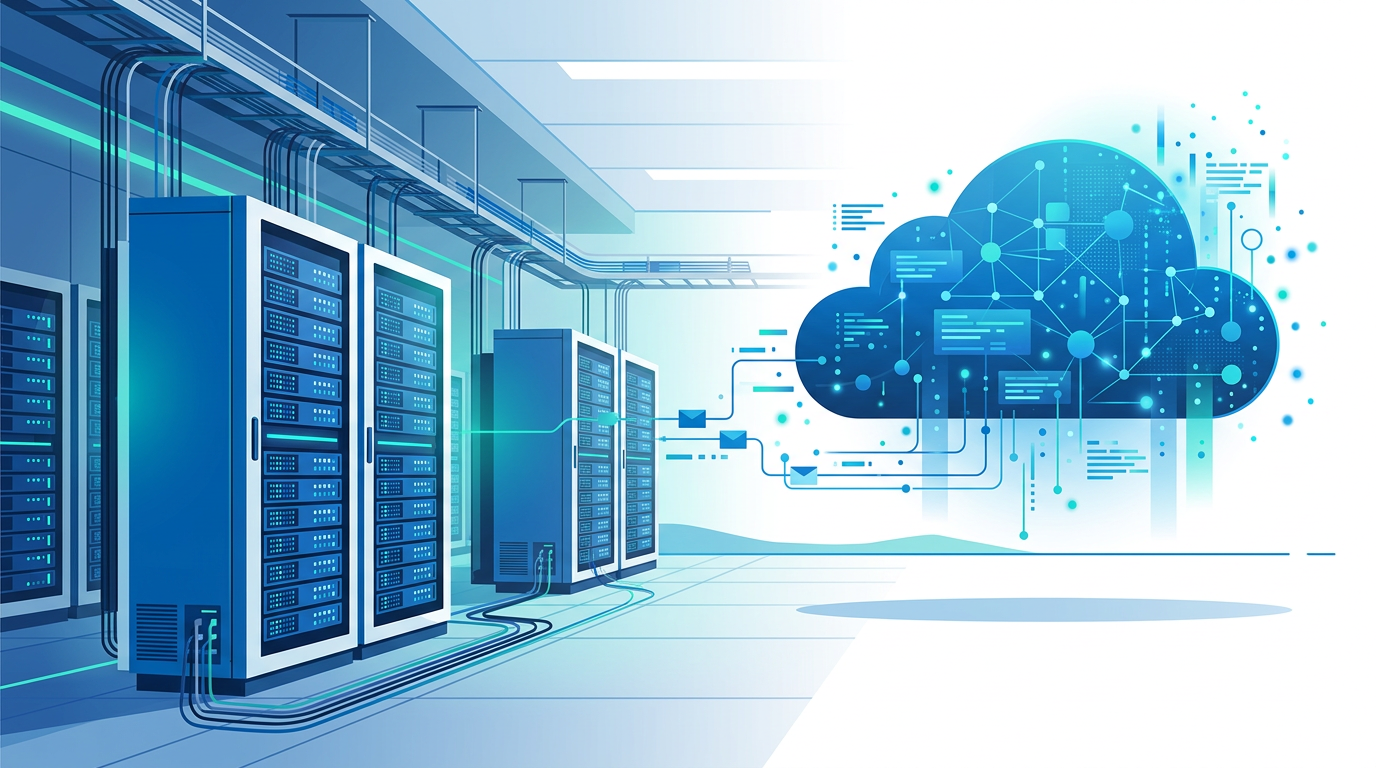
1. Absolute Data Sovereignty and Physical Control 🔐
For organizations operating in the defense, government, or high-security sectors, the primary concern is not "if" the cloud is secure, but "who" holds the keys to that security. In the SharePoint Server vs SharePoint Online debate, data sovereignty is the ultimate trump card for on-premises deployments. When you utilize the cloud, your data resides in multi-tenant environments managed by a third party. While Microsoft offers world-class security, certain legal frameworks and internal policies demand that physical hardware must be located within a specific building or jurisdiction.
Data sovereignty matters because it ensures that no foreign government or third-party entity can access your data without your direct knowledge. This is particularly relevant for on-premises SharePoint for highly regulated industries where the "Right to Audit" is a physical requirement, not just a digital one. In an on-premises environment, your IT team manages the encryption keys, the physical access logs, and the decommissioned drive destruction processes.
- Geographic Control: You choose exactly which city and building the server sits in.
- No Multi-tenancy: There is no risk of "noisy neighbors" or cross-tenant data leaks.
- Physical Air-Gapping: You can disconnect the server entirely from the public internet if needed.
"In high-stakes environments, the cloud's biggest weakness isn't its security, but its lack of exclusive physical custody."
Example: A national defense contractor must adhere to strict ITAR (International Traffic in Arms Regulations) protocols that forbid any third-party access to technical schematics. By using SharePoint Server, they keep these files on a local network that is physically isolated from the internet.
Takeaway: If your legal department requires absolute physical control and "wet-signature" audit trails of server access, SharePoint Server is the only viable path.
2. Unrestricted Deep Customization and Legacy Support 🛠️
Modern cloud development has shifted toward the SharePoint Framework (SPFx), which is powerful but inherently limited compared to legacy "Full Trust" solutions. When we look at SharePoint Server vs SharePoint Online, the on-premises version allows developers to run server-side code (C#) that interacts directly with the underlying operating system and local databases. This level of access is strictly prohibited in SharePoint Online to protect the stability of the multi-tenant environment.
This matters for organizations that have spent a decade building complex, bespoke business processes into their SharePoint environments. Rewriting these systems for the cloud can cost hundreds of thousands of dollars and often results in a "watered-down" version of the original tool. SharePoint Server for legacy system integration remains the go-to choice for companies with deep enterprise resource planning (ERP) hooks that require direct SQL access or GAC (Global Assembly Cache) deployments.
Customization Comparison
- SharePoint Online: Client-side only; limited to what the API allows; requires "App" model.
- SharePoint Server: Full server-side access; custom Timer Jobs; direct database read operations (though write is discouraged).
Example: A manufacturing firm uses a custom SharePoint solution that pulls real-time data from 30-year-old proprietary factory sensors. These sensors can only communicate via a specific local protocol that the cloud cannot reach. Staying on-premises allows them to maintain this critical link without rebuilding their entire sensor network.
Takeaway: For complex, bespoke applications that require deep OS integration, SharePoint Server provides a "no-boundaries" development environment that the cloud cannot match.
3. Predictable Cost for Massive Data Volumes 📊
The SaaS model is often lauded for its "pay-as-you-go" flexibility, but it hides a significant pitfall: storage overage. In SharePoint Online, organizations receive a base allocation of storage, plus a small amount per user. Once you exceed this limit, the cost of SharePoint Online vs On-Premises storage can skyrocket, often requiring expensive monthly add-ons for every additional gigabyte.
Why does this matter? For media companies, engineering firms, or legal practices, data footprints grow exponentially. On-premises, the cost of adding 100TB of storage is simply the cost of a few enterprise-grade hard drives or a SAN expansion. In the cloud, that same 100TB could lead to a monthly invoice that exceeds the cost of an entire server rack. SharePoint Online vs Server performance comparison also comes into play here: local storage often provides faster "Time-to-First-Byte" for massive files compared to downloading them over a congested office internet pipe.
Storage Scalability Comparison:
- SPO: Predictable initial cost, but exponential "tax" on high-volume data growth.
- Server: High initial CapEx (hardware), but near-zero marginal cost for adding storage capacity.
Example: An architectural firm stores thousands of high-resolution 3D BIM models. Their data grows by 5TB every year. By staying on-premises, they utilize a localized NAS (Network Attached Storage) linked to SharePoint, avoiding thousands of dollars in annual cloud storage fees.
Takeaway: If you are a "data hoarder" by trade or necessity, the on-premises model offers a much more sustainable and predictable long-term ROI on storage.
4. Operability in Air-Gapped and Remote Environments 🌐🚫
The cloud mantra is "Anywhere, Anytime," but the reality is that "Anywhere" requires a stable internet connection. For ships at sea, remote mining sites, or underground facilities, the internet is either nonexistent, expensive, or high-latency. Managing SharePoint without internet connection is a scenario where SharePoint Online simply ceases to function for most collaborative tasks.
This matters because business continuity cannot always depend on a fiber optic cable. Even in urban areas, a major ISP outage can bring a cloud-dependent office to a complete standstill. SharePoint Server functions perfectly over a Local Area Network (LAN). As long as your internal power and networking are up, your team can continue to access documents, follow workflows, and manage projects without a single packet leaving the building.
Scenarios for Offline SharePoint:
- Maritime Operations: Research vessels and cruise ships that need local document management.
- Subterranean Facilities: Secure bunkers or mines with no satellite/cellular reach.
- Disaster Recovery: Post-catastrophe zones where local infrastructure must operate independently.
Example: A remote research station in Antarctica uses SharePoint Server to catalog biological samples. They sync their data to the central office once a month via satellite, but for daily operations, they rely on a local server that works regardless of the weather or connection status.
Takeaway: If 100% uptime is required regardless of external connectivity, SharePoint Server is the only architecturally sound choice.
5. Total Lifecycle Management and Update Stability ⏳
Microsoft follows an "Evergreen" model with SharePoint Online. This means features change, buttons move, and APIs are deprecated on Microsoft’s schedule, not yours. While this keeps you updated, it can wreak havoc on internal training manuals and custom-built integrations. In the SharePoint Server vs SharePoint Online comparison, the Server version offers the luxury of stability.
This matters for organizations with strict change management protocols. Large enterprises often require months of testing before a new "Feature Pack" or UI change is rolled out to thousands of employees. With SharePoint Server Subscription Edition benefits, you get the modern look of the cloud, but you choose when to apply the updates. You control the maintenance window, the testing phase, and the final deployment.
Benefits of Controlled Updates:
- Validation: Test patches in a dev environment for weeks before touching production.
- No Surprise UI Changes: Ensure your internal training videos don't become obsolete overnight.
- API Stability: Your custom integrations won't break because a back-end endpoint was retired without your consent.
Example: A global bank requires all software updates to pass a rigorous 90-day security and usability audit. Using SharePoint Server, they can delay the "Modern UI" transition until all staff have been re-trained, avoiding a support desk nightmare.
Takeaway: On-premises puts the "Stop" and "Go" buttons for system changes back into the hands of your IT Director, rather than a remote cloud provider.
6. Granular Compliance and Hybrid Flexibility 🏢☁️
Many organizations find that a "one size fits all" cloud approach doesn't work. They might want the collaborative power of Microsoft Teams but need to keep their most sensitive records on-site. This is where the migrating from SharePoint Online to On-Premises (or vice versa) conversation leads many to the "Hybrid" model, powered by SharePoint Server.
Hybrid setups allow you to keep your "Crown Jewels" on a local server while using SharePoint Online for public-facing extranets or less sensitive collaboration. This offers a level of policy granularity that is difficult to achieve in a pure cloud environment. You can set up search results to "crawl" both environments, giving users a single search bar that finds local sensitive files (accessible only in the office) and cloud files (accessible via mobile).
Hybrid Configuration Highlights
- One OneDrive: Users can use cloud storage while their main sites stay local.
- Unified Search: Surface on-premises content in the cloud search experience.
- Shared Taxonomy: Use the same Managed Metadata across both platforms.
Example: A legal firm stores active case files on SharePoint Online for easy access at the courthouse via tablets. However, all archived cases and client financial records are kept on SharePoint Server to satisfy strict long-term data retention laws and privacy requirements.
Takeaway: SharePoint Server acts as a critical bridge, allowing organizations to adopt cloud features at their own pace without compromising on their most sensitive data requirements.
📊 Comparison
| Feature | SharePoint Online (SPO) | SharePoint Server (On-Premises) |
|---|---|---|
| Data Sovereignty | Stored in Microsoft Regional Data Centers | Stored on physical hardware you own and control |
| Customization | Restricted to SPFx and Power Platform | Full Trust Solutions and Server-Side Code allowed |
| Internet Dependency | Mandatory (Offline sync limited) | Works on LAN/Air-gapped networks |
| Updates | Automatic/Continuous (Evergreen) | Admin-controlled (Predictable release cycle) |
| Storage Costs | Per-GB overages can be expensive | Limited only by physical disk capacity |