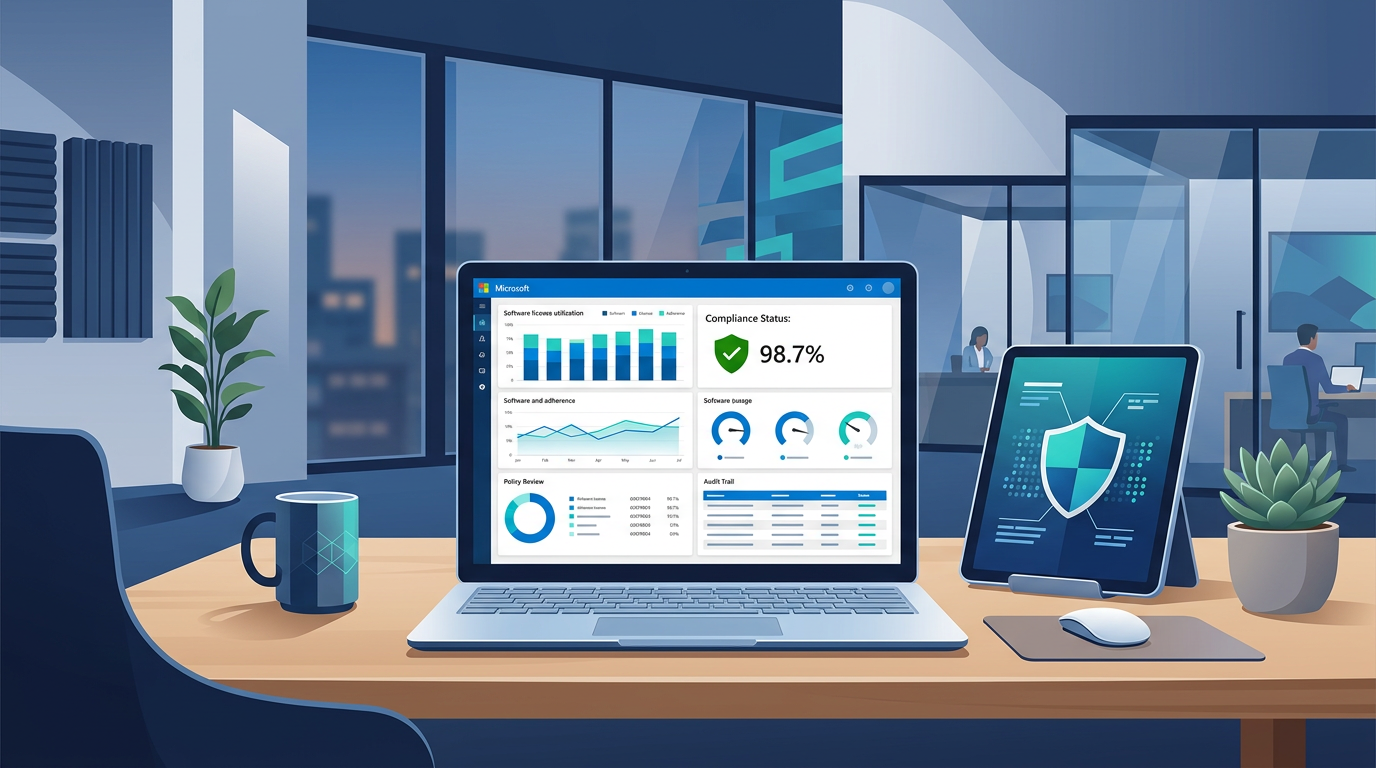
The High Stakes of Software Asset Management (SAM) 🔐
For IT professionals and procurement officers, Microsoft licensing often feels like a puzzle where the pieces change shape halfway through assembly. However, understanding the three primary licensing channels—OEM (Original Equipment Manufacturer), Retail (Full Packaged Product), and Volume Licensing (VL)—is not just a technical necessity; it is a legal safeguard. When a Microsoft auditor comes calling, the distinction between these three will determine whether your organization remains compliant or faces a six-figure settlement fine.
Each licensing model serves a specific purpose in the ecosystem. OEM is designed for the birth of a machine, Retail for the individual consumer, and Volume Licensing for the dynamic needs of a growing enterprise. Distinguishing between them involves more than just looking at the price tag; it requires an understanding of "Product Use Rights" (PUR). Product Use Rights define what you can actually do with the software, such as moving it to a new server, virtualizing it on a cloud cluster, or deploying it via a centralized image.
"Compliance is not just about having a key that works; it is about having the legal right to use it in the specific way you are currently using it."
In this guide, we will strip away the marketing jargon and focus on the technical and legal realities of these licenses. We will explore why "cheap" options often become the most expensive mistakes an IT director can make and how to structure your procurement strategy to survive an audit without breaking a sweat.
OEM Licensing: The "Married to the Metal" Model 🪟
OEM licenses are the most common way Windows enters the corporate environment. These licenses are pre-installed by hardware manufacturers like Dell, HP, or Lenovo. While they are often the most cost-effective way to acquire a base Windows license, they come with the strictest limitations. Specifically, an OEM license is "married" to the motherboard of the device it was first activated on. This relationship is legally binding and permanent.
Key Characteristics of OEM Licensing
- No Transferability: If the PC dies, the license dies with it. You cannot move an OEM license to a new machine.
- Manufacturer Support: Microsoft provides no direct technical support for OEM licenses; that responsibility falls entirely on the hardware manufacturer.
- BIOS-Embedded: In modern hardware, the OEM key is often embedded in the firmware (UEFI), making it invisible to the user but easily detectable by audit tools.
The Audit Warning: A common mistake found during audits is "license harvesting." This happens when an IT team replaces 50 old workstations and tries to "reuse" the OEM keys on new, custom-built machines. This is a direct violation of the licensing agreement. Auditors look for the hardware purchase date vs. the license activation date to catch this discrepancy.
Note: Standalone OEM licenses are not sold to end users. If you see a website selling "OEM Windows Keys" separately from hardware, these are generally unauthorized for retail sale and will not pass a professional legal audit. Always purchase your software through authorized channels (Retail or Volume) to ensure your organization’s legal safety.
Retail (FPP): Flexibility for the Individual User ✅
Retail licenses, also known as Full Packaged Product (FPP), are what you find at a store or as a digital download directly from the Microsoft Store. These are the most flexible "one-off" licenses available. Unlike OEM, a Retail license is tied to the user (or rather, the owner), not the specific piece of hardware. This provides significant longevity for the investment.
When Retail Makes Sense
- Transferability: You can uninstall Windows from one PC and install it on another, provided it is only active on one machine at a time.
- Direct Support: Retail licenses include the right to contact Microsoft support for technical issues.
- Long-term Projects: For specialized workstations with high-end components that are frequently upgraded, Retail licenses offer the flexibility that OEM lacks.
However, Retail licensing is rarely the right choice for an organization with more than 5-10 employees. Managing 50 individual Retail keys—and keeping track of 50 different digital receipts—is an administrative nightmare. During an audit, you must provide proof of purchase for every single Retail license. If you cannot find the specific invoice for the license on "PC-Admin-04," the auditor may deem it non-compliant, regardless of whether a key is active on that machine.
Volume Licensing: The Enterprise Powerhouse 🏢
For any organization with more than five devices, Volume Licensing (VL) is the gold standard. It is not just a way to buy "many keys"; it is a different legal framework entirely. Under the Microsoft Customer Agreement (MCA) or Enterprise Agreements (EA), your organization gains management tools and rights that do not exist in the OEM or Retail worlds.
The Power of Reimaging Rights
One of the most misunderstood aspects of licensing is "Reimaging." In a corporate environment, IT admins want to create a standard "Golden Image" (a pre-configured Windows setup with all apps) and push it to every PC. You cannot legally do this with OEM licenses alone. Volume Licensing is required to grant Reimaging Rights. Even if your PCs came with OEM licenses, you need at least one VL agreement to legally deploy a custom image across those devices.
Essential Volume Licensing Benefits
- Centralized Management: Use the Microsoft 365 Admin Center to view all licenses in one dashboard. No more hunting for stickers on the bottom of laptops.
- Software Assurance (SA): An optional add-on that provides version upgrades, license mobility, and training vouchers.
- Scalability: Add or remove licenses monthly or yearly depending on your enrollment type (e.g., CSP or EA), allowing for "Opex" instead of "Capex" spending.
The Audit Reality: In a Volume License audit, the process is streamlined. The auditor compares your "Effective License Position" (ELP) report—generated by Microsoft—against your actual installs. If you have 500 installs and 500 VL seats, the audit is over in minutes. This predictability is why enterprise CTOs insist on Volume Licensing.
Audit Defense: Proving Ownership in a Paperless World 📊
When an auditor (often from a firm like KPMG or Deloitte on behalf of Microsoft) reviews your environment, they aren't just checking if Windows is activated. They are performing a forensic reconciliation. Here is where the "differences that matter" become painful realities.
The Three Pillars of Audit Failure
- Missing Proof of Purchase: Organizations often have "proper" licenses but lost the invoices. In the eyes of an auditor, if you can’t prove you bought it from an authorized source, you don’t own it.
- Improper Channel Mixing: Using an OEM license on a Virtual Machine (VM). OEM licenses are for physical hardware. If you are running 20 VMs on a server, those must be licensed via Volume Licensing with the appropriate VDA (Virtual Desktop Access) rights.
- Version Mismatch: Having a license for Windows 10 Home (common on cheap OEM laptops) but running Windows 10 Pro or Enterprise. This "edition creep" is a frequent source of hefty fines.
Practical Guidance for IT Admins
To prepare for an audit, you should maintain a License Entitlement Library. This is more than a folder of keys. It should contain:
- Scanned copies of hardware invoices showing OEM OS inclusion.
- PDFs of all Retail receipts from authorized vendors.
- Your VL agreement numbers and access to the Microsoft Admin Center.
- A quarterly internal scan (using tools like Microsoft Assessment and Planning Toolkit) to ensure what is installed matches what is owned.
Stat: According to industry data, nearly 30% of software in corporate environments is improperly licensed, not necessarily because it is "pirated," but because it was purchased via the wrong channel for its intended use.
Conclusion: Streamlining Your Compliance Strategy 💡
Choosing the right licensing path is a balance of initial cost, administrative effort, and long-term legal risk. For the modern organization, the path is generally clear: Buy your hardware with the base OEM license included, then layer on Volume Licensing for management and reimaging.
Final Strategy Recommendations
- Never Buy "Keys Only": Avoid the temptation of "discount" license keys. They are the #1 red flag in professional audits.
- Standardize on Volume: Move as much of your software as possible into a single Volume Licensing agreement (like CSP) to simplify tracking.
- Understand the Lifecycles: Remember that when you retire hardware, you must also retire the OEM license. Don't let your "ghost" licenses haunt your audit reports.
By treating software licensing as a strategic asset rather than a clerical annoyance, you protect your organization from more than just fines—you protect your reputation and ensure that your IT infrastructure is built on a compliant, stable foundation. The goal of Software Asset Management is not just to survive an audit, but to reach a state where you are so organized that an audit becomes a non-event.
📊 Comparison
| Feature | OEM (Original Equipment Manufacturer) | Retail (FPP) | Volume Licensing (VL) |
|---|---|---|---|
| Transferability | Locked to the original motherboard. Cannot be moved. | Fully transferable to a new machine. | Transferable within the same organization. |
| Proof of Purchase | COA sticker or BIOS-embedded key plus hardware invoice. | Retail box or digital receipt from authorized partner. | Microsoft Admin Center (MAC) / VLSC Agreement details. |
| Imaging Rights | None. Must use the factory-installed image. | None. No right to use custom deployment images. | Full Reimaging Rights included. |
| Virtualization | Restricted to the physical machine only. | Limited (usually 1 instance). | Flexible (VDA rights, virtualization benefits). |
| Acquisition | Pre-installed by PC manufacturers (Dell, HP, etc.). | Bought as single licenses from Microsoft or retailers. | Direct agreement (MCA, EA, CSP) for 5+ licenses. |