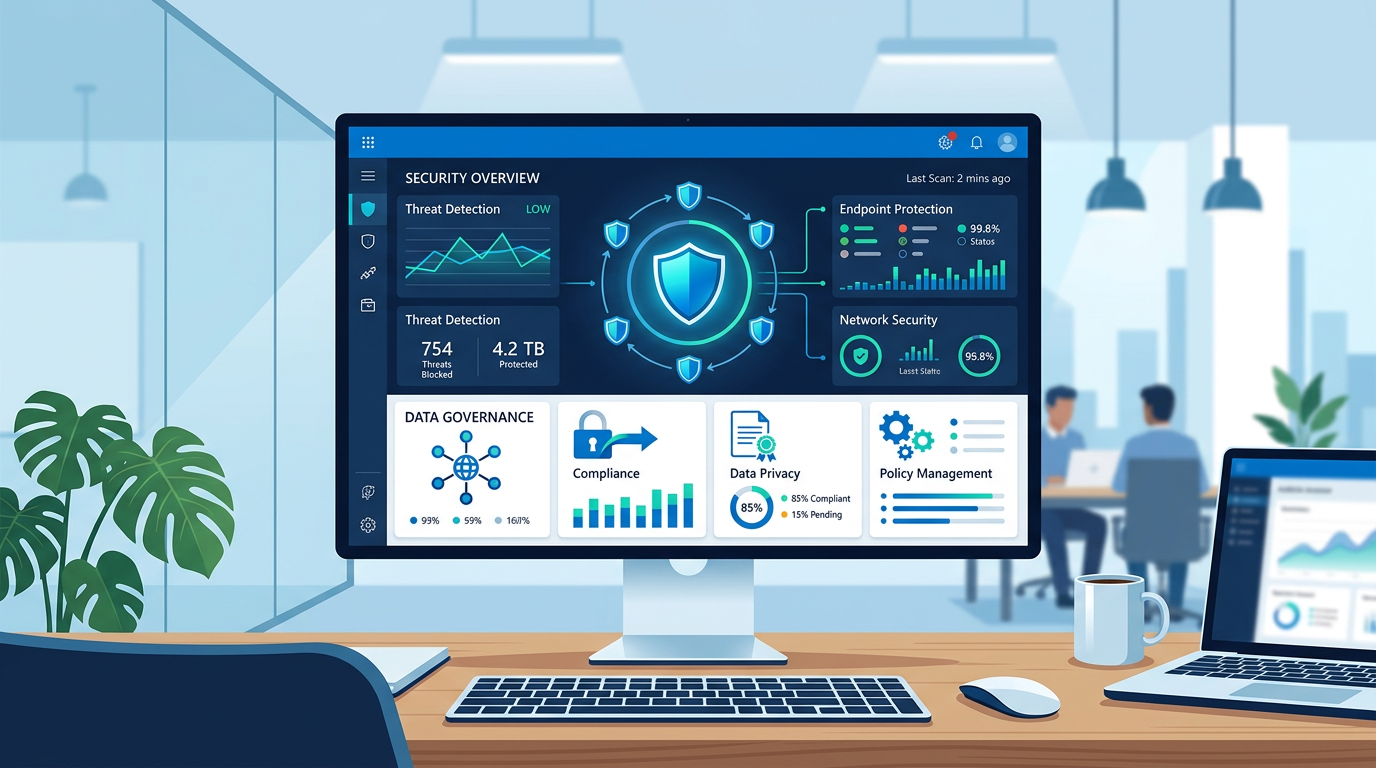
What is Microsoft Purview Compliance? 🛡️
Microsoft Purview is the comprehensive brand name for Microsoft’s suite of solutions designed to govern, protect, and manage your entire data estate. Whether your data lives in Microsoft 365, on-premises servers, or other cloud platforms, Purview is the engine that handles everything from data privacy to legal discovery. However, for most organizations, the conversation around Purview starts with their Microsoft 365 subscription.
When we talk about Purview compliance add-ons: what E5 already includes, we are looking at the peak of Microsoft’s compliance offering. The Microsoft 365 E5 license is often referred to as the "all-in" license because it consolidates security, voice, analytics, and—crucially—compliance into a single package. For a beginner, it is helpful to think of Purview as a toolbox. If you have E3, you have the basic tools (like a hammer and screwdriver). If you have E5, you have the entire automated power tool workshop.
In 2026, data regulations have become more stringent than ever. Organizations are no longer just worried about "not losing files"; they are worried about automated data destruction, insider threats, and meeting complex legal "hold" requirements. Purview provides the automation to handle these at scale. Understanding what is already in your E5 license prevents you from double-paying for third-party tools or individual add-ons that you might already own.
Why Purview Licensing Matters in 2026 📊
In the modern enterprise, data is the most valuable asset and the biggest liability. Why does it matter if you have the E5-level Purview features? Because manual compliance is dead. A company with 500 employees generates millions of data points every month. No human team can manually check every email or document for social security numbers, credit card details, or trade secrets.
The Microsoft 365 E5 compliance features list 2026 highlights that E5 moves you from manual actions to automated protection. For example, in an E3 environment, a user must remember to click a "Confidential" button. In an E5 environment, Purview detects the sensitive content as the user types and applies the protection automatically. This reduces "human error," which remains the leading cause of data breaches globally.
Furthermore, the legal landscape in 2026 requires rapid response. If your organization is involved in a lawsuit, "eDiscovery" is the process of finding relevant emails and chats. Without the premium features included in E5, this process can take weeks and cost thousands in external legal fees. With E5, the "Premium eDiscovery" tools allow you to cull data, reconstruct Teams conversations, and review content directly within the platform, saving massive amounts of time and money.
Core Terms You Must Know (The Purview Glossary) 📖
Before diving into the specifics, you must understand the terminology Microsoft uses. This is often where procurement and IT professionals get confused.
- Information Protection & Governance: This is the "shield." It’s about identifying sensitive data (like PII) and making sure it is encrypted and kept for the right amount of time.
- Insider Risk Management: This is the "internal sensor." It looks for risky activities by employees, such as someone downloading 1,000 files before quitting.
- eDiscovery (Premium): This is the "search engine for lawyers." It allows for deep investigation of data for legal cases.
- Audit (Premium): This is the "black box recorder." It keeps detailed logs of who accessed what and when, for up to 10 years if needed.
- Communication Compliance: This is the "referee." It scans internal communications (Teams, Email) for harassment, threats, or policy violations.
When evaluating an E5 vs E3 Purview compliance comparison, the "Premium" tag is usually the indicator that a feature requires an E5 license or a specific add-on. If it says "Standard," it is likely in your base E3 license. If it says "Premium" or "Advanced," it is almost certainly part of the E5 compliance stack.
How the Add-ons Fit Into the Bigger Picture 🧩
If you are currently on a Microsoft 365 E3 plan, you might feel like you are missing out. Microsoft knows this, which is why they offer three distinct "Mini-E5" compliance bundles. These are the "add-ons" we refer to when we discuss how to buy Purview compliance add-ons without E5. Instead of jumping from an E3 price point to a full E5 price point, you can pick the specific "pillar" you need.
The three pillars are:
- E5 Information Protection & Governance: Includes auto-labeling, Customer Key, and Records Management.
- E5 Insider Risk Management: Includes Communication Compliance, Information Barriers, and Privileged Access Management.
- E5 eDiscovery & Audit: Includes the high-end legal search and long-term logging tools.
Crucially, Purview compliance add-ons: what E5 already includes covers all three of these pillars. If you find yourself needing two or more of these add-ons, it is almost always more cost-effective to simply upgrade the user to a full Microsoft 365 E5 license. This is because the full E5 also adds Power BI Pro, Phone System capabilities, and the entire E5 Security suite (Defender for Endpoint, Identity, etc.).
Note: Always check your total user count. Sometimes, you only need E5 features for a "subset" of users (like the HR and Legal teams), while the rest of the company stays on E3. Microsoft allows this "mix-and-match" approach in most Volume Licensing and CSP scenarios.
Your First Steps: Implementing Purview Compliance 🚀
Starting your compliance journey can feel overwhelming. Don't try to turn everything on at once. Here is a practical roadmap for 2026:
Step 1: Audit Your Data Sensitivity
Use the free "Content Explorer" (available in basic Purview) to see what sensitive data already exists in your OneDrive and SharePoint. You might be surprised to find thousands of documents containing credit card numbers that aren't protected.
Step 2: Compare Microsoft 365 E5 Information Protection & Governance vs E3
Decide if you need automation. If your users are disciplined enough to label their own files, E3 might suffice. If you have a high volume of data and a "messy" file share, you need the automated classification found in the E5 Information Protection & Governance add-on.
Step 3: Define Your "Risky" Users
Identity who in your organization has "the keys to the kingdom." These users should be your first candidates for insider risk management licensing in 2026. You don't have to license the whole company on day one; start with the high-risk roles.
Step 4: Consult with Legal
Ask your legal team about the eDiscovery Premium vs Standard licensing differences. If they are spending large sums on third-party data extraction tools, showing them the Premium eDiscovery features in Purview will make you a hero. The savings in legal "culling" fees alone often pays for the E5 upgrade.
Common Pitfalls and Where to Go Next 🛑
Even seasoned IT pros make mistakes when it comes to Purview. One of the most common pitfalls is assuming that an E5 license covers everything in the Purview portal. While it covers the Microsoft 365 SaaS data, it does not necessarily cover the "Governance" side of Purview used for Azure SQL databases or AWS S3 buckets, which are often billed based on data processed in Azure.
Another mistake is ignoring the cost of Purview compliance add-ons for enterprise when compared to the full E5. Many organizations buy the "Compliance" add-on and then later realize they also want "Defender for Endpoint P2." At that point, they are paying more than the cost of a full E5 license but getting fewer features. Always do the math on the "Step-up" price versus the individual add-ons.
Finally, watch out for "Licensing Debt." This happens when you enable a feature (like an auto-labeling policy) that requires E5, but you only have E3 licenses. The system might let you turn it on initially, but you will be out of compliance during a Microsoft audit. Always ensure your license count matches your active policies.
Where to go next? Start by visiting the Microsoft Purview compliance portal (compliance.microsoft.com) and running the "Compliance Score" tool. This will give you a customized list of actions based on your current license level and help you prioritize which add-ons or E5 features will provide the most immediate value to your organization.
📊 Comparison
| Feature Category | Included in E5 / G5 / A5 | Included in E3 + Add-ons | Stand-alone Availability |
|---|---|---|---|
| Information Protection | Full (Auto-labeling, Double Key Encryption) | Requires "Information Protection & Governance" add-on | Limited |
| Data Loss Prevention (DLP) | Endpoint, Teams, and Email DLP | Partial (Email/SPO only in E3 base) | No |
| eDiscovery | eDiscovery (Premium) | Requires "eDiscovery & Audit" add-on | No |
| Insider Risk Management | Full Suite | Requires "Insider Risk Management" add-on | No |
| Communication Compliance | Full Suite | Requires "Insider Risk Management" add-on | No |
| Records Management | Automated Retention & Disposition | Requires "Information Protection & Governance" add-on | No |