The Paradigm Shift: From Fluidity to Fixed Terms 📊
The introduction of the New Commerce Experience (NCE) marked the most significant shift in Microsoft’s seat-based licensing model since the inception of Office 365. For years, the Cloud Solution Provider (CSP) program was defined by its fluidity; administrators could add or remove seats daily, paying only for what they used, with pro-rated billing acting as a safety net. NCE effectively ended that era, introducing rigid "term commitments" that mirror the structure of traditional Enterprise Agreements (EA) but applied to the mid-market and small business segments.
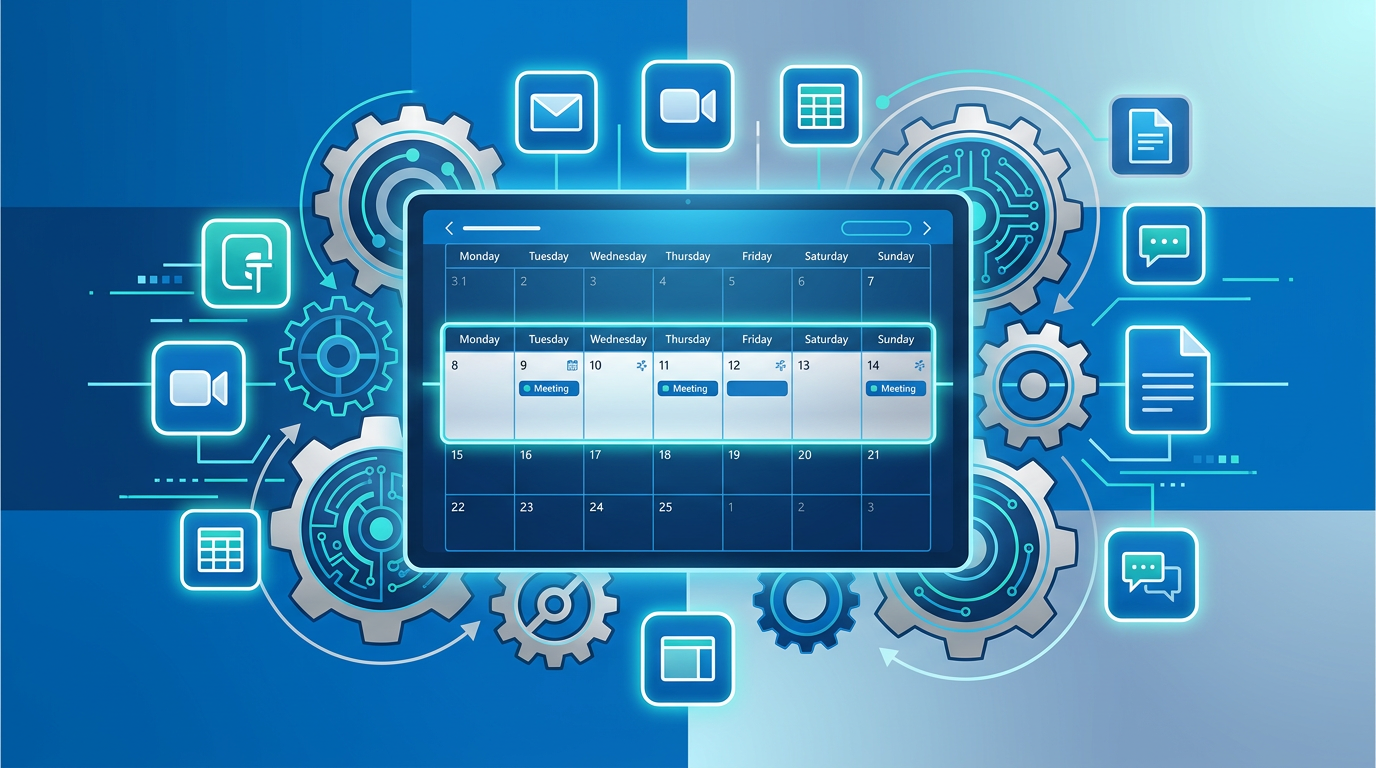
Understanding how NCE changed CSP renewals requires a shift in mindset from operational flexibility to strategic procurement. In the legacy model, a renewal was essentially a non-event—a simple continuation of a monthly rolling contract. Under NCE, a renewal is a legal and financial checkpoint. Organizations now face a binary choice: commit to a year of service to lock in pricing, or pay a significant premium for the right to fluctuate. This section explores the structural foundations of NCE and why the "7-day window" has become the most critical metric in the IT admin's calendar.
NCE is not just a billing update; it is a enforcement mechanism for term-based commitments that requires IT and Finance to be perfectly synchronized.
The 168-Hour Rule: The New Critical Path for Admins ⏱️
The most jarring change brought by NCE is the enforcement of the 168-hour cancellation window. In the legacy CSP world, if an employee left the company, the admin simply deleted the license, and the billing stopped immediately. Under NCE rules, once a subscription renews or a new seat is added, the organization has exactly seven days to reverse that decision. Once the 168th hour passes, the organization is financially liable for the entire term—regardless of whether the license is assigned to a user.
The Impact on Renewal Planning
- Audit Requirements: Admins must conduct seat audits 30 days before the renewal date to ensure they aren't renewing "zombie" licenses.
- Financial Liability: If a 100-seat annual subscription renews and the admin realizes on day eight that they only need 80 seats, the company is still obligated to pay for those 20 extra seats for the next 11 months.
- The "Co-Termination" Challenge: Since different licenses (e.g., M365 Business Premium and Power BI Pro) may have been purchased at different times, organizations often find themselves managing dozens of different 7-day windows throughout the year.
Strategic organizations are now using "co-termination" tools provided by their indirect providers to align these dates, simplifying the renewal process into a single annual or quarterly event. Without this alignment, the risk of missing a cancellation window increases exponentially as the tenant grows.
Term Commitments and the 20% Flexibility Tax 💸
NCE introduced a tiered pricing structure that punishes short-term flexibility. To maintain the ability to reduce seat counts at any time, organizations must opt for the Monthly Term, which carries a ~20% price premium over the Annual Term. This has forced a complete overhaul of how IT budgets are calculated during the renewal phase.
Hybrid Licensing Strategies
Practical guidance for 2026 suggests a "Base + Float" strategy. This involves committing the majority of the workforce—those in stable, long-term roles—to 12-month annual terms to secure the lowest price. A smaller "float" of licenses is then maintained on monthly terms to accommodate seasonal workers, contractors, or expected turnover. This hybrid approach mitigates the 20% premium while protecting the company from being locked into unnecessary seats.
- Annual Term Benefits: Price protection for 12 months, lower per-user cost, predictable OpEx.
- Monthly Term Benefits: Ability to cancel or downsize at month-end, ideal for pilot programs or temporary staff.
It is important to note that while you can upgrade from a monthly to an annual term mid-cycle, you generally cannot downgrade from annual to monthly until the anniversary date. This "one-way valve" for upgrades encourages growth but makes consolidation difficult.
Price Protection and SKU Optimization at Renewal 🛡️
One of the few advantages of the NCE renewal model is the "Price Lock." When you renew an annual NCE commitment, you are shielded from any price increases Microsoft might implement during those 12 months. In an era where Microsoft has frequently adjusted prices for inflation and "value-add" (such as the 2022 price hikes for M365 suites), this protection is a tangible benefit for procurement teams.
Navigating SKU Transitions
Renewals are no longer just about seat counts; they are about SKU optimization. With the introduction of Microsoft 365 Copilot and the unbundling of Microsoft Teams in various regions, the renewal window is the only time an organization can transition between these complex SKUs without incurring overlapping costs. Admins must evaluate if the current suite still meets their needs or if they should transition to a different plan (e.g., moving from Office 365 E3 to Microsoft 365 E3) during the 7-day renewal window to avoid being locked into the old SKU for another year.
Warning: Standalone OEM licenses are never a valid substitute for CSP NCE renewals. OEM licenses are tied to the original hardware they were sold with and cannot be transferred or managed through the CSP portal. For legitimate business scaling, always stick to Retail or Volume Licensing paths via NCE.
Operational Excellence: A Checklist for NCE Renewals ✅
To manage NCE effectively, IT departments must adopt a more disciplined operational cadence. The "set it and forget it" approach of legacy CSP will lead to significant budget leakage. Below is a framework for managing the new renewal lifecycle:
- T-Minus 30 Days: The Audit. Use Entra ID (formerly Azure AD) usage reports to identify inactive accounts. Compare active users against total NCE seat counts.
- T-Minus 15 Days: The Decision. Consult with HR and department heads regarding upcoming hiring freezes or expansions. Decide which seats stay on Annual terms and which move to Monthly.
- T-Minus 7 Days: The Configuration. Update the "Auto-Renew" settings in your CSP provider's portal. Ensure that the seat count for the next term is precisely adjusted.
- T-Plus 1 Day: The Verification. Immediately after the renewal triggers, verify the billing statement and seat counts. You still have 6 days left in the window to fix errors.
Furthermore, organizations should be aware of Multi-Year Commitments. While 3-year terms are available for certain SKUs (like Dynamics 365), they represent an even deeper commitment. While they offer 36 months of price protection, the inability to reduce seats for three years makes them suitable only for the most stable core workloads.
Summary: Mastering the New Rhythm of CSP 🚀
The New Commerce Experience has fundamentally changed the relationship between Microsoft, the partner, and the end customer. It has moved the CSP program away from a "utility" billing model toward a "commitment" model. While this creates more administrative overhead, it also provides a structured opportunity for IT leaders to demonstrate fiscal responsibility through strategic seat management.
As we look toward the future of licensing in 2026 and beyond, the automation of these renewal windows will be key. Many modern CSP platforms now offer "scheduled changes," allowing admins to queue up seat reductions months in advance of the renewal date. Utilizing these tools is the only way to ensure that the 168-hour window doesn't become a 168-hour crisis.
Key Takeaways for IT Leaders:
- Treat the 7-day renewal window as a hard deadline.
- Use Monthly terms for high-turnover roles despite the 20% premium.
- Consolidate renewal dates (co-termination) to reduce administrative burden.
- Never attempt to bypass NCE with illegitimate standalone OEM keys; stick to Volume Licensing for compliance.
📊 Comparison
| Feature / Policy | Legacy CSP (Pre-NCE) | NCE Monthly Term | NCE Annual Term |
|---|---|---|---|
| Price Protection | None (price can change monthly) | 1 Month | 12 Months |
| Cancellation Window | Anytime (pro-rated) | 168 hours (7 days) | 168 hours (7 days) |
| Seat Reductions | Anytime | At end of month only | At end of year only |
| Premium Pricing | Standard | ~20% Premium | Standard |
| Billing Frequency | Monthly | Monthly | Monthly or Upfront |