Understanding the Fundamentals of Software Regression 🏛️
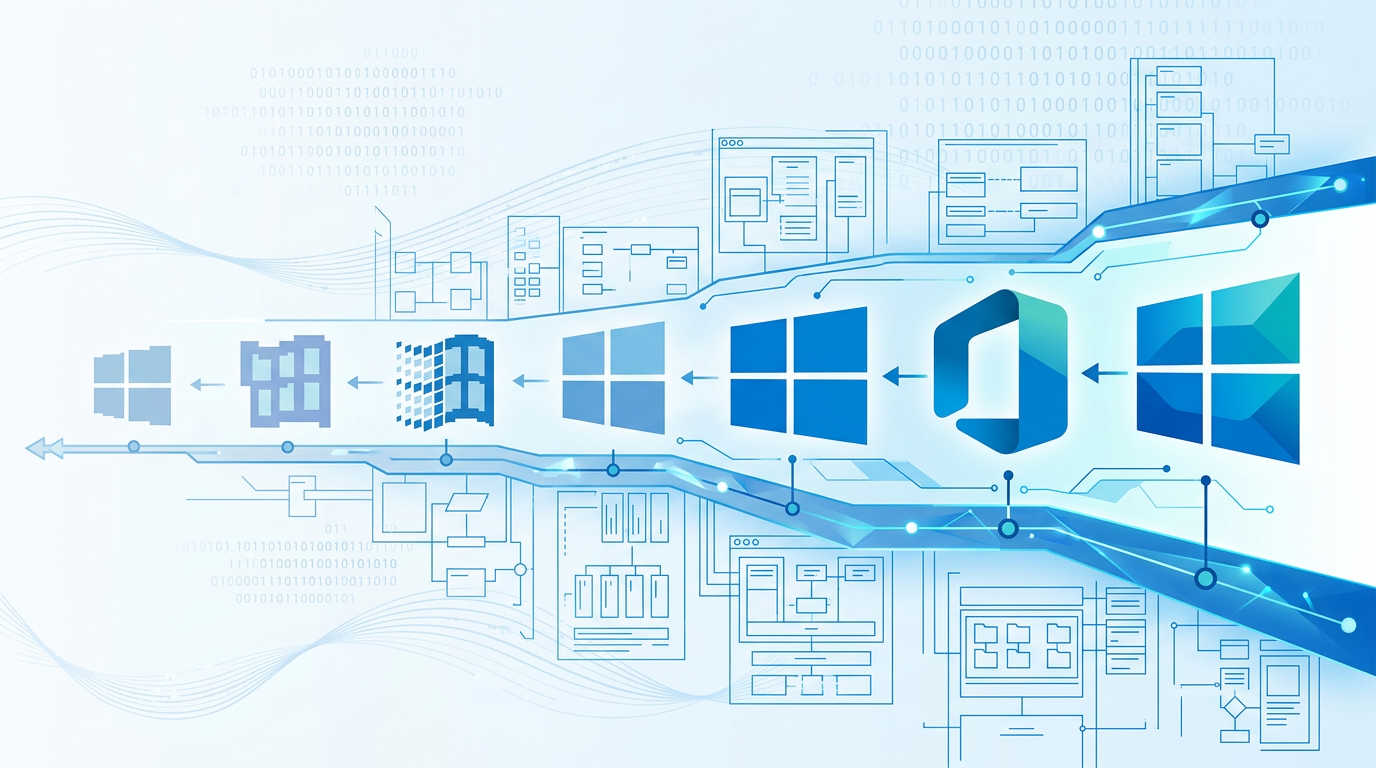
In the complex ecosystem of corporate IT, the latest software version is not always the best fit for the current operational environment. Whether due to legacy application dependencies, specialized hardware drivers, or standardized internal images, organizations frequently find themselves needing to run older versions of Windows or Office on newer hardware. This is where downgrade rights become a critical component of a procurement strategy.
Downgrade rights are not a universal feature of all Microsoft products; rather, they are a specific legal entitlement granted through certain licensing channels. These rights allow a user or organization to acquire the most recent version of a software product but legally install and use an earlier version instead. For IT leaders, understanding these rights is the difference between a successful software audit and a multimillion-dollar non-compliance fine.
- Operational Continuity: Ensuring that custom-built ERP or CRM tools continue to function while the OS layer is modernized.
- Standardization: Maintaining a single "Golden Image" across a fleet of 5,000 devices, even as new machines arrive with newer stickers.
- Strategic Procurement: Future-proofing investments by buying the latest version today while utilizing the stability of the previous version.
Note: Downgrade rights only grant the legal permission to use older software. They do not necessarily guarantee that the older software will work on modern hardware, particularly concerning UEFI requirements and modern silicon architecture.
Volume Licensing: The Gold Standard for Backward Compatibility ✅
The most robust downgrade rights are found within Microsoft’s Volume Licensing (VL) programs, such as Open Value, Enterprise Agreements (EA), and the Microsoft Customer Agreement (MCA) for for-profit businesses. Under these agreements, Microsoft grants users the right to use any prior version of the product they have licensed.
For example, if an organization purchases 100 licenses of Windows 11 Pro through a Volume Licensing agreement, they are legally permitted to install Windows 10 Pro, Windows 8.1 Pro, or even Windows 7 Professional. This "N-minus" flexibility is virtually unlimited in the VL world, provided the organization can obtain the installation media and valid product keys.
Key Advantages of Volume Licensing Downgrades:
- Centralized Management: Access to the Microsoft 365 Admin Center (formerly VLSC) to download ISO files and Manage Multiple Activation Keys (MAK) or Key Management Service (KMS) hosts.
- Broad Version Range: Unlike other channels, VL generally allows you to go back to any version, provided the hardware supports it.
- Legal Documentation: The rights are explicitly outlined in the Product Terms (formerly Product Use Rights), providing a clear defense during a SAM (Software Asset Management) audit.
It is important to note that while the right to use the software exists, Microsoft’s support for that software follows a different timeline. Using your downgrade rights to run Windows 7 in 2026 means you are running an unsupported OS, which introduces significant security risks despite being legally licensed.
Retail vs. OEM: Navigating the Limitations ⚠️
The Retail channel, often referred to as Full Packaged Product (FPP), is the most restrictive regarding versioning. When you purchase a retail box or a digital download of Windows 11 Pro from a consumer electronics store, you are buying a license for that specific version only. Retail licenses do not include downgrade rights.
This creates a common pitfall for small businesses. A business owner might buy five retail copies of Windows 11 Pro, only to find their specialized accounting software requires Windows 10. In this scenario, there is no legal path to install Windows 10 using those retail keys. The business would be forced to purchase new, appropriate licenses.
The OEM Exception
Original Equipment Manufacturer (OEM) licenses—those that come pre-installed on a new PC from makers like Dell, HP, or Lenovo—occupy a middle ground. While most OEM licenses (like Windows Home) have no downgrade rights, Windows Pro versions typically allow for a limited downgrade. Historically, this has allowed users to downgrade to the two most recent previous versions (e.g., a Windows 11 Pro PC could be downgraded to Windows 10 Pro or Windows 8.1 Pro).
- End-User Responsibility: In an OEM downgrade scenario, the manufacturer is not required to provide the media or keys for the older version. The user must provide their own legitimate media and key from a previous version.
- Activation: Activating a downgraded OEM install often requires a call to Microsoft’s activation center, as the Windows 11 digital product key embedded in the BIOS will not automatically activate a Windows 10 installation.
⚠️ Important Advisory: Never purchase standalone OEM keys from third-party websites. Microsoft distribution terms dictate that OEM keys are only to be sold pre-installed on hardware. Buying a standalone "OEM Key" is a violation of licensing terms and often results in keys that are eventually blacklisted.
Office LTSC and the Shift to Subscription Models 📊 🏠
For Office products, the transition to subscription-based models (Microsoft 365) has fundamentally changed how versioning works. In the traditional "Perpetual" world (Office 2021, 2019, 2016), downgrade rights followed the Volume Licensing rules mentioned earlier. If you bought Office LTSC 2021 via VL, you could use Office 2019.
However, with Microsoft 365 Apps for Enterprise, the concept of "downgrading" is replaced by "Version Management." Subscribers do not own a specific version; they own a subscription to the service. While Microsoft allows you to stay on specific "Semi-Annual Enterprise Channels" to delay updates, they do not generally allow you to run versions that have reached their End of Life (EOL).
Office LTSC Downgrade Specifics:
- Edition Matching: You can only downgrade to the same edition. Office LTSC Professional Plus 2021 can downgrade to Office Professional Plus 2019.
- Media Availability: Microsoft only keeps the most recent legacy versions available for download. If you need Office 2010, you must have your own physical or ISO media archived.
- No Cross-Platform Downgrades: You cannot use a Windows Office license to "downgrade" to a Mac version of Office, or vice-versa.
For organizations still relying on macro-heavy Excel sheets developed for Office 2010, the move to M365 represents a challenge. The recommended path is to utilize Office LTSC (Long-Term Servicing Channel) licenses via Volume Licensing to maintain that specific backward compatibility legal right.
Technical Implementation and Activation Hurdles 🔐
Implementing downgrade rights is not just a legal exercise; it is a technical one. The primary hurdle is Activation. Microsoft’s activation servers are designed to validate the key against the specific version of the software being installed. When you use a Windows 11 Pro Volume License to install Windows 10, a standard retail or OEM key will not work.
Organizations must use Volume Activation Credits. When a Volume License is purchased, the administrator receives access to the VLSC/Admin Center, where they can claim a KMS or MAK key specifically for the older version. If the older version is no longer listed in the portal, the administrator may need to contact the Microsoft Activation Clearinghouse to request a legacy key.
The Technical Checklist for Downgrades:
- BIOS/UEFI: Ensure the hardware supports "Legacy Boot" if downgrading to versions older than Windows 8.
- Driver Availability: Check if the hardware manufacturer provides "downgrade drivers." Modern CPUs (Intel 12th Gen+) often lack driver support for Windows 7/8.
- Media Integrity: Only use official ISOs from Microsoft. Third-party "lite" versions or cracked ISOs void your licensing compliance and introduce malware risks.
From a compliance standpoint, keep a detailed ledger. During an audit, you must show the purchase receipt for the higher version (e.g., Windows 11) and then cite the Downgrade Rights clause in your licensing agreement to justify the lower version (e.g., Windows 10) found on your workstations.
Strategic Summary and Best Practices for IT Leaders 💡
Strategic licensing is about more than just buying seats; it’s about maintaining operational agility. As we move deeper into 2026, the gap between modern hardware and legacy software requirements continues to widen. IT leaders must evaluate their environment to decide if downgrade rights are a necessity or a temporary crutch.
Best Practices for 2026:
- Avoid Retail for Business: The lack of downgrade rights in Retail (FPP) makes it unsuitable for any business that might need version flexibility.
- Prioritize Volume Licensing: For any deployment over 5 seats, VL provides the legal safety net required for legacy app support.
- Audit Regularly: Ensure that every downgraded machine is mapped to a valid higher-version license in your SAM tool.
- Plan for Hardware obsolescence: Recognize that while you have the legal right to downgrade, silicon manufacturers are making it technically impossible to run OS versions older than 5 years on new chips.
Ultimately, downgrade rights are a powerful tool in the arsenal of the IT Procurement officer. By understanding the nuances between OEM, Retail, and Volume Licensing, you can ensure that your organization remains productive, compliant, and ready for whatever version of Windows comes next.
📊 Comparison
| Licensing Model | Downgrade Rights Included? | Permitted Versions | Primary Benefit |
|---|---|---|---|
| Volume Licensing (VL) | Yes (Standard) | Any prior version of the same product. | Full flexibility for legacy app compatibility. |
| Retail (FPP) | No | Only the version purchased. | Simple, one-time purchase for specific needs. |
| OEM (Pre-installed) | Limited (Pro versions only) | Usually 1 or 2 generations back (e.g., Windows 10). | Basic compatibility for new hardware. |
| Microsoft 365 (SaaS) | N/A (Version control via portal) | Current + limited n-minus support. | Always up-to-date features and security. |
| Visual Studio Subscriptions | Yes (Extensive) | Access to almost all legacy versions. | Development and testing across OS history. |