Decoding Microsoft 365 for Business: An Introduction for 2026

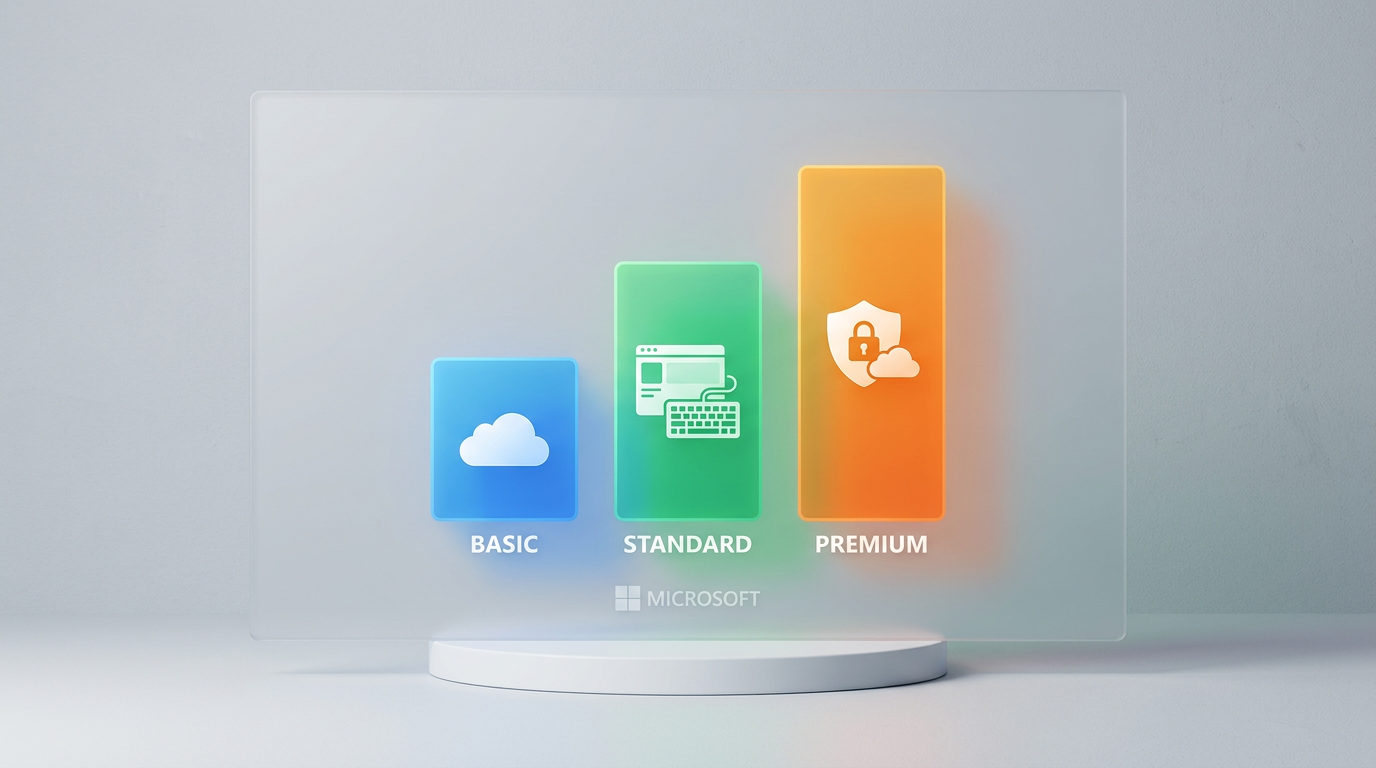
In the modern digital workplace, Microsoft 365 stands as the cornerstone of productivity for millions of businesses worldwide. However, navigating its licensing landscape can be a complex task for IT administrators and business owners. The “Business” tier of Microsoft 365 is specifically engineered for small and medium-sized businesses (SMBs) with up to 300 users, offering a powerful suite of tools without the complexity of enterprise-level plans. Understanding the distinctions between the three core offerings—Business Basic, Business Standard, and Business Premium—is fundamental to investing wisely in your organization's digital infrastructure.
This article provides a comprehensive comparison of these three plans, updated for 2026, to reflect the evolving feature sets and security considerations that matter most to today's organizations. We will dissect each plan's capabilities, from core productivity and collaboration tools to the advanced security and device management features that have become non-negotiable in an era of sophisticated cyber threats. Our goal is to equip you with the practical knowledge to select the plan that not only meets your current needs but also provides a scalable and secure foundation for future growth.
Foundational Cloud Power: Microsoft 365 Business Basic
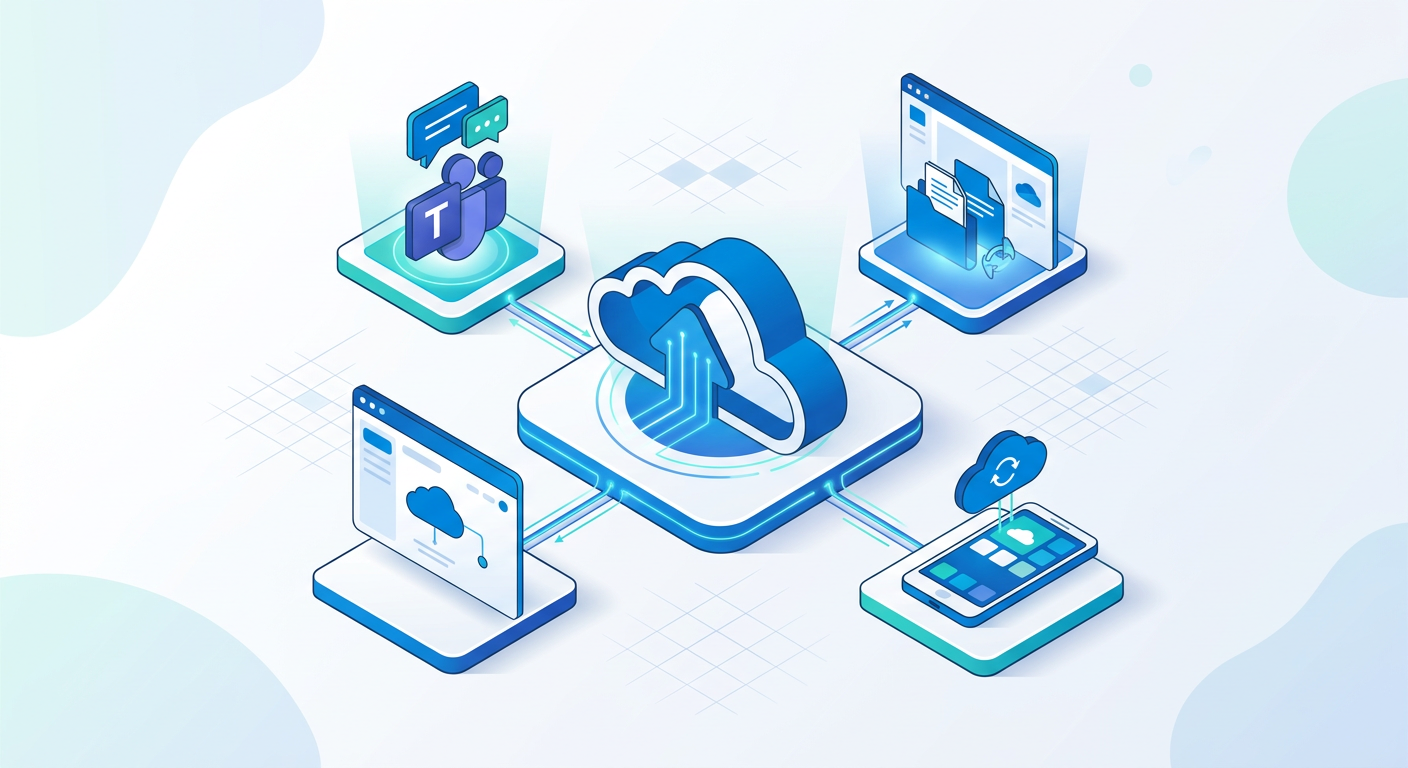
Microsoft 365 Business Basic is the entry-point plan, designed for organizations that operate primarily in the cloud and on the go. Its core philosophy is to provide essential services and collaboration tools accessible from anywhere, on any device, via a web browser or mobile app. It does not include the installable, full-featured desktop versions of the Office applications like Word, Excel, or PowerPoint.
Key Components of Business Basic:
- Web and Mobile Versions of Office Apps: Users get access to Word, Excel, PowerPoint, and Outlook through their web browser and dedicated mobile apps. While highly functional for most day-to-day tasks, these versions may lack some of the advanced features and offline capabilities of their desktop counterparts.
- Microsoft Teams: The complete Microsoft Teams experience is included, serving as the central hub for communication. This includes chat, online meetings for up to 300 attendees, audio and video calling, and robust file sharing and collaboration features.
- Business-Class Email: Each user receives a 50 GB mailbox with a custom email domain address (@yourcompany.com), powered by Exchange Online. This is a secure, reliable, and professional email solution with advanced spam and malware filtering.
- Cloud Storage: Every user is allocated 1 TB of OneDrive for Business cloud storage for individual file storage and sharing. Additionally, the organization receives SharePoint Online to create team sites and intranets for broader content sharing and collaboration.
Business Basic is an excellent and cost-effective choice for companies with a highly mobile workforce, field-based teams, or those who have fully embraced cloud-native workflows. If your users are comfortable working within a web browser and do not require the advanced data modeling features in Excel or complex presentation tools in PowerPoint, this plan provides all the essential tools to stay productive and connected.
✅ The Full Desktop Experience: Upgrading to Business Standard
Microsoft 365 Business Standard includes everything in Business Basic and adds one critical, game-changing component: the full, installable desktop versions of the Microsoft Office suite. This is the traditional Office experience that power users and professionals have relied on for decades, available on up to 5 PCs or Macs, 5 tablets, and 5 mobile devices per user.
The inclusion of desktop applications makes Business Standard the most popular and versatile choice for a wide range of businesses. The ability to work offline with full fidelity and access the complete feature set of each application is a requirement for many roles.
Core Advantages of Business Standard over Basic:
- Full-Featured Desktop Apps: Users can install and run Word, Excel, PowerPoint, Outlook, Access (PC only), and Publisher (PC only). This unlocks advanced capabilities such as:
- Complex pivot tables, Power Query, and advanced charting in Excel.
- Mail merge, macros, and advanced document formatting in Word.
- Presenter View, embedding videos, and advanced animations in PowerPoint.
- Robust offline access to emails and calendars in the Outlook desktop client.
- Microsoft Bookings: An appointment scheduling tool that allows customers to book services with your company. It integrates with Outlook calendars to show availability and automates confirmations and reminders, which is invaluable for service-based businesses.
- Enhanced Content Creation: With Publisher, businesses can create professional-grade marketing materials like brochures, newsletters, and flyers. Access provides a powerful database management system for creating custom applications without needing to be a developer.
Choosing Business Standard is the logical step for any organization where employees create, edit, and analyze documents and data as a primary function of their job. If your finance team lives in Excel, your marketing team builds detailed presentations, or your operations staff needs to create polished reports, the investment in Standard is easily justified by the significant productivity gains and expanded capabilities it offers over a web-only experience.
🔐 The Security Fortress: Microsoft 365 Business Premium

Microsoft 365 Business Premium is the top-tier offering in the SMB suite. It contains everything in Business Standard, but its primary value proposition lies in its comprehensive, enterprise-grade security and device management capabilities. In an era where cybersecurity threats—from phishing to ransomware—are a constant menace, Business Premium provides an integrated solution to protect your organization's data, devices, and identities.
This plan is designed for businesses that handle sensitive data, operate in regulated industries, or want to adopt a proactive, modern security posture without the complexity and cost of sourcing multiple third-party solutions. It effectively bundles Microsoft 365 Business Standard with key components of the Enterprise Mobility + Security (EMS) suite.
Advanced Security & Management Features Exclusive to Premium:
- Microsoft Intune: A powerful Mobile Device Management (MDM) and Mobile Application Management (MAM) solution. Intune allows you to manage and secure company-owned and employee-owned (BYOD) devices (Windows, macOS, iOS, and Android). You can enforce security policies, deploy applications, and selectively wipe company data from a device if it is lost, stolen, or the employee leaves the company.
- Microsoft Defender for Business: This is a new, enterprise-grade endpoint security solution specifically designed for SMBs. It goes far beyond traditional antivirus, offering threat and vulnerability management, attack surface reduction, next-generation protection (NGP) against malware and ransomware, and Endpoint Detection and Response (EDR) to investigate and remediate sophisticated threats.
- Azure Information Protection (AIP) Plan 1: AIP allows you to classify and protect sensitive documents and emails by applying labels. These labels can enforce protection policies, such as encryption or preventing copying and forwarding. For example, a document labeled 'Confidential' can be encrypted so that only authorized users within your organization can open it, even if it is leaked outside the company network.
- Microsoft Entra ID P1 (formerly Azure Active Directory P1): This enhances identity and access management with features like Conditional Access policies (e.g., require Multi-Factor Authentication when logging in from an unknown network), self-service password reset, and advanced security reports.
For any business that views cybersecurity as a top priority, the value of Business Premium cannot be overstated. The cost of a single data breach—in terms of financial loss, reputational damage, and operational downtime—can far exceed the licensing cost of this plan. It provides a unified, best-in-class security framework managed from a single console, making it the prudent choice for the security-conscious SMB in 2026.
💡 Licensing Insights: OEM, Retail, and Volume Licensing
When acquiring Microsoft software, it's crucial to understand the legitimate licensing channels to ensure compliance and receive proper support. Microsoft products like Windows and Office are primarily distributed through three main channels: Retail, Volume Licensing, and OEM.
Understanding the Channels:
- Retail: This channel is for consumers and small businesses buying a small number of licenses. Products are typically sold in a box or as a digital download from the Microsoft Store or an authorized retailer. These licenses are generally transferable to a new device. For Microsoft 365, this is the standard direct-purchase method.
- Volume Licensing: Designed for organizations that need to deploy software across multiple computers. Programs like the Open Value or Cloud Solution Provider (CSP) program offer discounted pricing, simplified license management, and other benefits. This is the most common and recommended channel for businesses to acquire Microsoft 365 subscriptions.
- OEM (Original Equipment Manufacturer): This is a distribution channel for hardware manufacturers only. An OEM license is pre-installed by companies like Dell, HP, or Lenovo on the new hardware they sell. CRITICAL NOTE: Standalone OEM licenses or keys sold online to end-users are not legitimate. These keys violate Microsoft's distribution terms. They are non-transferable and tied to the original hardware. Businesses should never purchase standalone OEM keys as a cost-saving measure; the only legitimate path for an end-user to acquire a license is through the Retail or Volume Licensing channels.
For any Microsoft 365 Business plan, the correct procurement method is through the Microsoft website directly or, more commonly, through a Microsoft Cloud Solution Provider (CSP) partner. A CSP can offer expert advice, managed services, and often more flexible billing and support options than purchasing directly. Avoid any third-party marketplace offering suspiciously low-priced, standalone keys, as these are almost always non-compliant OEM keys repurposed for sale.
Making the Right Choice: A Scenario-Based Guide

Choosing the right plan comes down to a careful evaluation of your specific business needs, security posture, and budget. While a direct price comparison is a factor, a true cost-benefit analysis looks at the value derived from each plan's features and the risks mitigated.
Choose Business Basic if:
- Your workforce is highly mobile and comfortable with web-based applications.
- Your primary needs are professional email, communication (Teams), and cloud storage.
- You do not have significant needs for advanced data analysis or offline document editing.
- Your security needs are met by the baseline protections, and you do not handle highly sensitive or regulated data.
Choose Business Standard if:
- Your employees rely heavily on the full feature set of desktop Office applications for their daily tasks.
- Offline access to documents and email is a necessity.
- You require tools for creating professional marketing materials (Publisher) or simple databases (Access).
- You are a 'classic' office environment where document creation, analysis, and presentation are central to your operations.
Choose Business Premium if:
- Protecting sensitive company and customer data is a top priority.
- You need to manage and secure a mix of company-owned and employee-owned devices (BYOD).
- You want to defend against modern cyber threats like phishing, ransomware, and zero-day exploits with enterprise-grade tools.
- You operate in an industry with data compliance requirements (e.g., finance, legal, healthcare).
- You want to consolidate security vendors and manage security from a single, integrated platform.
Ultimately, the decision to upgrade from one tier to the next should be driven by a clear business requirement. Upgrading from Basic to Standard is a productivity decision. Upgrading from Standard to Premium is a security and risk management decision. For many organizations in 2026, the comprehensive security feature set of Business Premium provides peace of mind that is well worth the investment.
📊 Comparison
| Feature | Business Basic | Business Standard | Business Premium |
|---|---|---|---|
| Max Users | 300 | 300 | 300 |
| Web & Mobile Office Apps | ✓ | ✓ | ✓ |
| Desktop Office Apps | ✗ | ✓ | ✓ |
| Microsoft Teams | ✓ | ✓ | ✓ |
| Business-Class Email (50 GB) | ✓ | ✓ | ✓ |
| OneDrive Cloud Storage (1 TB) | ✓ | ✓ | ✓ |
| SharePoint Online | ✓ | ✓ | ✓ |
| Microsoft Bookings | ✗ | ✓ | ✓ |
| Advanced Threat Protection | ✗ | ✗ | ✓ (Defender for Business) |
| PC & Mobile Device Management | ✗ | ✗ | ✓ (Microsoft Intune) |
| Conditional Access Policies | ✗ | ✗ | ✓ (Entra ID P1) |
| Information Protection & Encryption | ✗ | ✗ | ✓ (AIP P1) |
| Windows for Business | ✗ | ✗ | ✓ |