Introduction to Microsoft Audit Readiness 🛡️
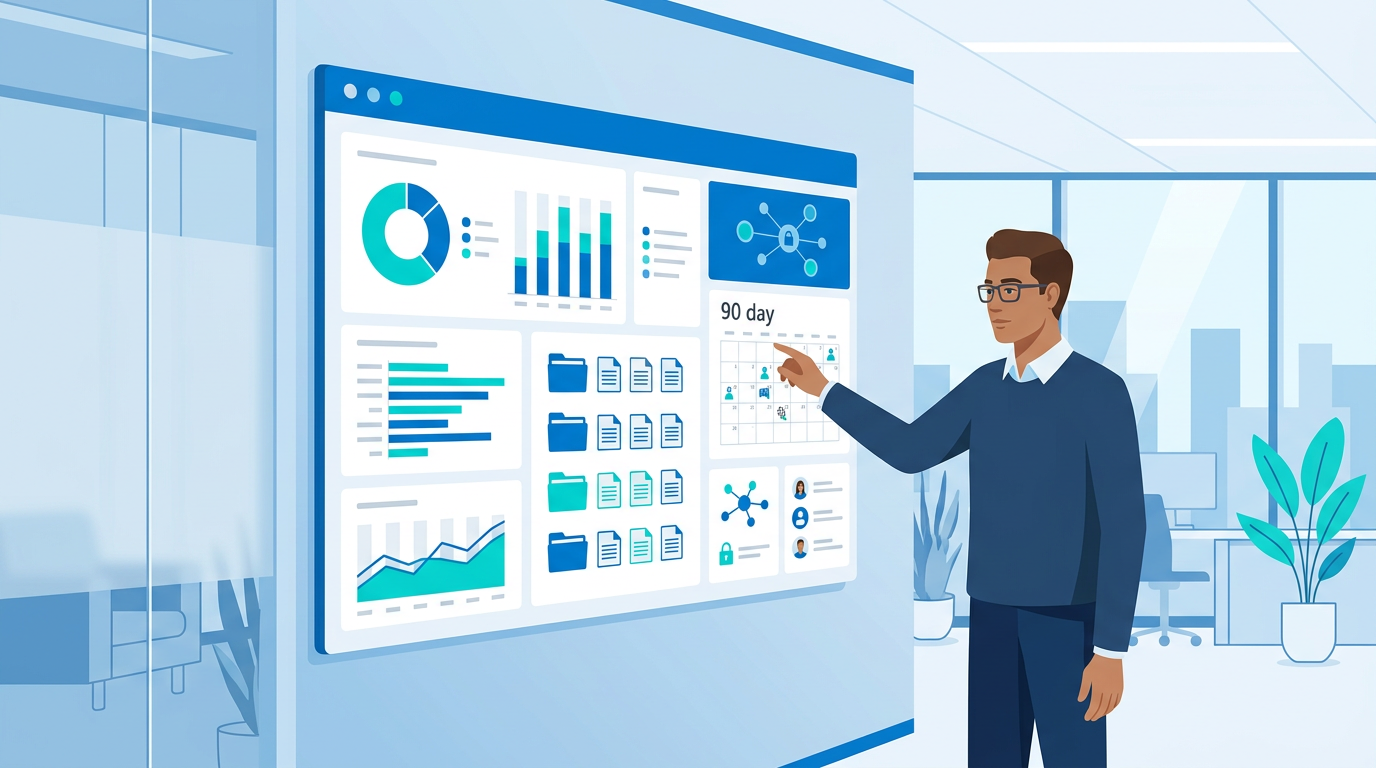
Receiving an audit notification letter from Microsoft—or a "request for a SAM engagement"—can disrupt an entire IT department. However, if you are preparing for a Microsoft SAM audit with a structured timeline, the process becomes a manageable project rather than a crisis. The 90-day window is the industry standard for transforming chaotic inventory data into a defensible Effective License Position (ELP).
The core objective of this guide is to move you from a reactive state to a proactive one. In 2026, audits are no longer just about counting Windows Server keys; they involve complex hybrid scenarios, M365 profiling, and Azure consumption metrics. This playbook ensures that when the auditor requests your deployment data, you provide a verified, optimized report that minimizes financial exposure and legal risk.
Note: During this process, you may find "OEM" licenses in your environment. Remember that standalone OEM licenses are not valid for individual purchase by end users. Genuine OEM software is only valid when pre-installed on hardware. For audit remediation, you must rely on Retail or Volume Licensing channels.
Before you start: Prerequisites and Tools
Before initiating the 90-day clock, you must assemble the necessary technical and administrative tools to ensure data accuracy. Without a baseline, your ELP will be flawed from the start.
Required Tools and Access
- Inventory Tools: Deploy a discovery tool like Microsoft Assessment and Planning (MAP) Toolkit, Microsoft Configuration Manager (MECM/SCCM), or a third-party SAM tool (e.g., Flexera, Snow).
- Portal Access: Ensure you have Global Admin access to the Microsoft 365 Admin Center and "Administrator" permissions in the Microsoft Volume Licensing Service Center (VLSC) or the newer Microsoft Admin Center (MAC) for VL.
- Legal and Procurement: Gather all historical Purchase Orders (POs) and Microsoft Business Agreements (MBA).
Success in preparing for a Microsoft SAM audit depends on the "Garbage In, Garbage Out" principle. If your discovery tools are only scanning 80% of your network, the auditor will extrapolate the remaining 20%, often to your disadvantage.
Step 1: Complete Inventory Discovery (Days 1–25) 📊
Goal: To capture a complete snapshot of every Microsoft product currently installed or accessed across your global infrastructure.
Action Steps
- Network Scanning: Run your discovery tools across all subnets. This includes physical servers, virtual machines (VMs), and remote workstations.
- SQL Server Identification: Use specialized scripts to identify SQL Server editions (Express vs. Standard vs. Enterprise). Pay close attention to SQL Server core licensing audit guide requirements, as these are high-value targets for auditors.
- Cloud and Hybrid Sync: Export your Microsoft 365 user lists and identify which users are assigned specific SKUs (E3, E5, Business Premium).
- Identify Indirect Access: Look for "Multiplexing" scenarios where front-end applications connect to a back-end SQL Server, as these require CALs even if users don't touch the server directly.
Expected Result: A "Raw Deployment Report" listing every instance of Microsoft software, its version, and the hardware specs (CPU/Cores) it runs on.
Troubleshooting: If certain servers are behind firewalls, you must manually run local inventory scripts and merge the results into your master database. Do not leave gaps.
Step 2: Entitlement Gathering and Verification (Days 26–50) 📂
Goal: To establish exactly what you own by consolidating all licensing contracts and entitlements.
Action Steps
- Download VLSC/MAC Statements: Export the "Microsoft License Statement" (MLS). This is the definitive record Microsoft has of your Volume Licensing purchases.
- Verify Non-VL Purchases: Collect receipts for Retail (FPP) licenses. Ensure these are not the prohibited standalone OEM keys often found on gray-market sites.
- Analyze MPSA and CSP: If you use the Microsoft Products and Services Agreement (MPSA) or Cloud Solution Provider (CSP) program, pull the specific seat counts from those separate portals.
- Check Maintenance (Software Assurance): Identify which licenses have active SA. This is critical for Microsoft 365 vs on-premises licensing audit 2026 comparisons, as SA grants "License Mobility" and "Azure Hybrid Benefit" rights.
Expected Result: A "License Entitlement Spreadsheet" that lists your total quantity of owned licenses per product and version.
Troubleshooting: If your MLS is missing licenses from a merger or acquisition, you must provide legal proof of the entity transfer to the auditor to have those licenses counted.
Step 3: Creating the Effective License Position (ELP) (Days 51–70) 🔍
Goal: To compare what you are using against what you own to find the "delta." This is the most technical phase of preparing for a Microsoft SAM audit.
Action Steps
- Mapping Deployments to Licenses: Align your raw discovery data with your entitlements. Use effective license position calculation step by step logic: (Owned Licenses) - (Installed Instances) = Variance.
- Apply Secondary Use Rights: Check if your licenses allow for a second installation (e.g., some Retail licenses allow a laptop and a desktop install for the same user).
- Calculate Core Requirements: For Windows Server 2022 and SQL Server, ensure you are counting physical cores (minimum 8 cores per processor/16 per server) correctly.
- Identify Under-utilization: Find M365 licenses that are assigned but never used (Last Login Date > 90 days). These can be re-harvested during remediation.
Expected Result: A draft Effective License Position (ELP) report highlighting surpluses and deficits.
Troubleshooting: If you find more installs than licenses, do not panic. Check if those installs are covered by MSDN/Visual Studio subscriptions, which are often excluded from production audit counts.
Step 4: Remediation and Optimization (Days 71–85) 🛠️
Goal: To fix compliance gaps and optimize costs before the final data submission to Microsoft or the auditor.
Action Steps
- Software Uninstallation: Remove unauthorized or "trial" software versions that were found during discovery. This is a primary method for remediating licensing gaps without buying extra seats.
- License Re-harvesting: Reassign idle M365 licenses to users who currently lack them.
- Down-editioning: If you are running SQL Enterprise but only using Standard features, consider "down-editioning" the instance to save significantly on potential true-up costs.
- Strategic Procurement: If gaps remain, purchase the necessary Volume Licenses through your partner. Do this *before* the auditor's final freeze date to ensure they are included in the "owned" column.
Expected Result: A "Clean" ELP that reflects your intended compliance state after cleanup.
Troubleshooting: Ensure that any uninstalls are documented with "before and after" logs, as auditors may ask for proof that the software was removed before the audit conclusion.
Step 5: Final Submission and Close-out (Days 86–90) ✅
Goal: To present your data to the auditor in a way that minimizes follow-up questions and closes the engagement.
Action Steps
- Final Review: Conduct a "Mock Audit" with an external licensing expert to find holes in your logic.
- Executive Sign-off: Ensure IT leadership and Legal have approved the ELP.
- Submission: Upload your data to the auditor's portal. Be prepared to answer questions about your Microsoft volume licensing audit best practices and data collection methodology.
Expected Result: A "Close-out Letter" from Microsoft confirming your compliance and concluding the SAM engagement.
Troubleshooting: If the auditor disputes your findings, refer back to your Product Terms (PT) or Product List documents from the year you purchased the software. Microsoft's rules change, but your rights are usually "locked in" at the time of purchase.
Verification: Post-Audit Checklist
To verify you have followed the how to handle Microsoft compliance verification in 2026 standards, check the following:
- Do you have a signed ELP that shows zero or manageable deficits?
- Are all SQL Server instances accounted for by either Core licenses or Server+CAL?
- Is your Windows Server environment licensed for the correct core density?
- Have you removed all unauthorized "standalone OEM" installations?
- Does your M365 usage match your active subscription counts?
Once these points are confirmed, you are ready to submit. The key to preparing for a Microsoft SAM audit is never to let the auditor be the one to discover your gaps. If you find them first, you control the narrative and the cost of remediation.
📊 Comparison
| Audit Phase | Duration | Primary Goal | Critical Output |
|---|---|---|---|
| Phase 1: Discovery | Days 1–30 | Inventory Baseline | Raw Deployment Data |
| Phase 2: Entitlement Analysis | Days 31–60 | Ownership Proof | Effective License Position (ELP) |
| Phase 3: Remediation | Days 61–80 | Gap Closure | License Optimization Report |
| Phase 4: Final Submission | Days 81–90 | Legal Compliance | Certified Self-Assessment / Audit Report |