The 2026 Reality: Life After the Windows 10 Support Horizon ⚠️
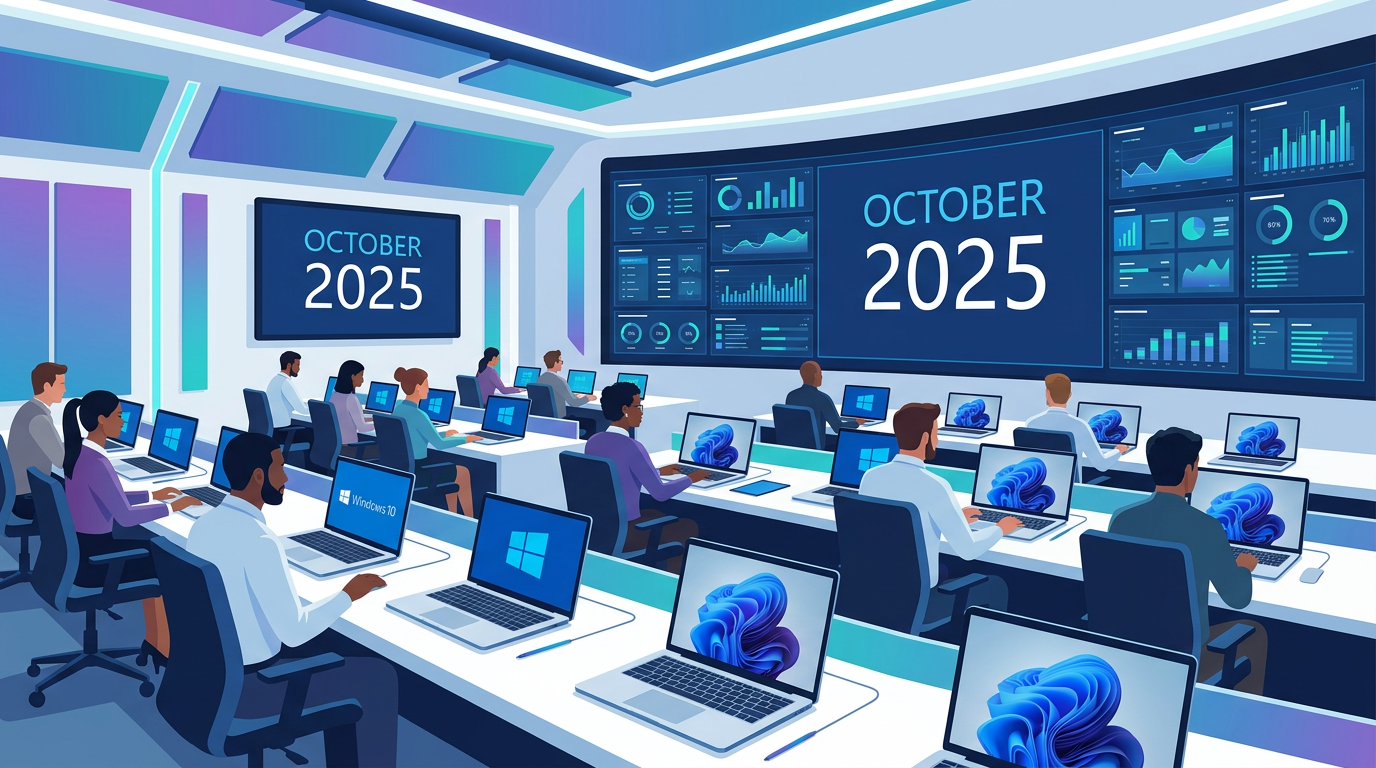
On October 14, 2025, Microsoft will officially retire Windows 10 for Home, Pro, and Enterprise editions. For IT departments, this date doesn't just represent a software version change; it marks a fundamental shift in how hardware fleets are secured and managed. Entering 2026 with a fleet of Windows 10 devices means operating outside the safety net of standard security patches, leaving your organization vulnerable to zero-day exploits and compliance failures.
The challenge is twofold. First, the hardware barrier: Windows 11’s strict requirement for TPM 2.0 and specific CPU generations has orphaned millions of perfectly functional PCs. Second, the financial barrier: as standard support ends, the "free" era of Windows 10 maintenance is replaced by a paid, escalating cost structure known as the Extended Security Update (ESU) program. Strategic planning must begin now to avoid a "security debt" that becomes prohibitively expensive by the second quarter of 2026.
Note: While Windows 10 will continue to function after the support date, it will no longer receive monthly security updates, bug fixes, or technical support. For regulated industries like finance and healthcare, running unsupported software is an immediate breach of compliance frameworks such as GDPR, HIPAA, or PCI-DSS.
Navigating the Paid ESU Program: Costs and Mechanics 📊
For organizations that cannot refresh their hardware before the deadline, Microsoft offers the Extended Security Update (ESU) program. However, this is designed as a bridge, not a permanent solution. For the first time, Microsoft has opened this program to individual users and small businesses, but the commercial terms remain the most critical for IT leaders to understand.
- Escalating Costs: The price for ESU is expected to double annually. If Year 1 costs $X, Year 2 will cost $2X, and Year 3 will cost $4X. This creates a financial "pincer movement" that makes hardware replacement more attractive the longer you wait.
- Critical Patches Only: ESU only provides "Critical" and "Important" security updates. It does not include new features, design changes, or non-security bug fixes.
- Activation via 5-by-5 Keys: ESUs are typically deployed via a Multiple Activation Key (MAK). Once the key is installed on a Windows 10 device, it enables the "Windows Update" service to pull the specific ESU packages.
Cloud Strategy Benefit: There is a significant loophole for organizations moving to the cloud. If you access Windows 10 via Windows 365 or through Azure Virtual Desktop (AVD) using an older local machine, the ESU costs are included in the subscription price. This makes VDI a highly viable transition strategy for 2026.
Hardware Compatibility and the "Silicon Ceiling" 💻
The transition to Windows 11 is often blocked by the "Silicon Ceiling." If your fleet was purchased before 2018/2019, there is a high probability it lacks the necessary Intel 8th Gen or AMD Zen 2 processors required for official support. In 2026, IT admins face three distinct hardware paths:
- The Clean Refresh: Purchasing new devices with Windows 11 Pro pre-installed via OEM. This is the simplest path but requires significant capital.
- The Volume Licensing Upgrade: If your hardware *is* compatible but still running Windows 10, you can use Volume Licensing (VL) to upgrade to Windows 11 Enterprise. This is often done via a Microsoft 365 E3 or E5 subscription, which includes the Windows 11 Enterprise upgrade rights.
- The Repurposing Strategy: Converting unsupported hardware into "thin clients" that connect to Windows 365. This allows the local OS to be a lightweight Linux-based system or a locked-down Windows 10 ESU-patched machine, while the actual work happens in a secure Windows 11 cloud environment.
Important Licensing Reminder: When upgrading existing devices, always use Retail or Volume Licensing paths. Standalone OEM licenses (often sold as "cheap keys" online) are intended only for new hardware builders and violate Microsoft’s terms when applied to existing fleets. For the enterprise, the only legitimate way to obtain Windows 11 is through a new PC purchase (OEM) or a qualifying upgrade through Volume Licensing/M365.
Windows 10 LTSC: The Exception to the Rule 🔐
For mission-critical systems—such as those controlling manufacturing lines, MRI machines, or air traffic control—Microsoft provides the Long-Term Servicing Channel (LTSC). This is often misunderstood as a "general purpose" escape hatch for Windows 10 support. It is not.
Windows 10 IoT Enterprise LTSC
The 2021 LTSC version of Windows 10 IoT Enterprise has a much longer lifecycle, with support extending until 2032 in some cases. However, this version lacks many of the features found in the standard Enterprise edition, such as the Microsoft Store, Cortana, and frequent edge-browser updates. It is designed for "fixed-purpose" devices.
If you are considering LTSC for your general knowledge workers in 2026, be prepared for significant application compatibility issues. Modern versions of Office (Microsoft 365 Apps) and other SaaS-integrated software often require the Semi-Annual Channel (SAC) versions of Windows to function correctly. LTSC should be a surgical choice for specific hardware, not a fleet-wide strategy.
Security and Management Benefits of the Migration ✅
Moving a fleet to Windows 11 in 2026 is as much about security architecture as it is about the UI. Windows 11 was built with the "Zero Trust" model in mind, leveraging hardware-based security features that were optional or absent in Windows 10.
- TPM 2.0 and Credential Guard: Windows 11 uses the Trusted Platform Module to store cryptographic keys and protect identities. By 2026, cyber-insurance providers will likely mandate these hardware-level protections as a condition for coverage.
- Windows Autopilot: The transition to 2026 is the perfect time to move away from "Gold Images" and toward Autopilot. This allows IT to ship a shrink-wrapped laptop to a user’s home, where it automatically configures itself to corporate standards upon login.
- App Assure: For organizations worried about custom legacy apps, Microsoft’s App Assure program provides engineering support to ensure your Windows 10 apps work on Windows 11. Historically, compatibility rates have been over 99.7%.
By migrating, you aren't just avoiding an end-of-life date; you are adopting a security posture that significantly reduces the success rate of ransomware and credential theft attacks.
Operational Roadmap: Preparing for the 2026 Deadline 💡
To ensure your organization is ready for January 2026, your roadmap should follow these quarterly milestones starting now:
Phase 1: Inventory and Assessment
Use tools like Microsoft Endpoint Manager (Intune) or third-party asset management software to categorize your fleet. Identify which machines are "Windows 11 Ready," which require "Firmware/TPM Updates," and which are "Obsolete."
Phase 2: Pilot and App Validation
Deploy Windows 11 to a cross-section of departments (Finance, HR, Engineering). Identify any "blocker" apps that fail in the new environment. This is the stage to utilize the Microsoft App Assure program if issues arise.
Phase 3: Financial Procurement
Decide on your licensing mix. Will you purchase new devices (OEM) or upgrade existing compatible devices via M365 (Volume Licensing)? Budget for ESU costs for any legacy machines that cannot be replaced by the 2025 deadline.
Phase 4: Deployment and Decommissioning
Execute the rollout. As Windows 10 machines are replaced, ensure a secure data destruction process is in place. For machines remaining on Windows 10 into 2026, verify that the ESU keys are active and that the machines are receiving the extended patches.
📊 Comparison
| Option | Primary Cost Driver | Security Posture | Management Overhead | Longevity |
|---|---|---|---|---|
| Hardware Refresh (Win 11) | Capital Expenditure (CapEx) | Highest (TPM 2.0 / Silicon-to-Cloud) | Low (Modern Management) | 7+ Years |
| ESU Program (Year 1-3) | Operational Expenditure (OpEx) | Moderate (Critical Patches Only) | High (Legacy maintenance) | 3 Years Max |
| Windows 365 / AVD | Monthly Subscription | High (Isolated Environment) | Moderate (Cloud Managed) | Indefinite |
| Windows 10 LTSC | Volume License Purchase | Specific (Fixed Features) | Low (Static environment) | Varies by Version |